
Take training global
Translate, validate, and manage multilingual training – all right inside Articulate 360. Built-in localization workflows make it easy to deliver high-quality content that speaks everyone’s language, without slowing your team down.
Why you’ll love Localization in Articulate 360

Speed up localization
Instantly translate your training across formats with AI – no manual exports or copy and pasting required

Ensure translation quality
Validators review with live previews to ensure content is just right.
Manage in one place
Handle all language versions as a single item in Articulate 360, keeping files clean and updates simple.
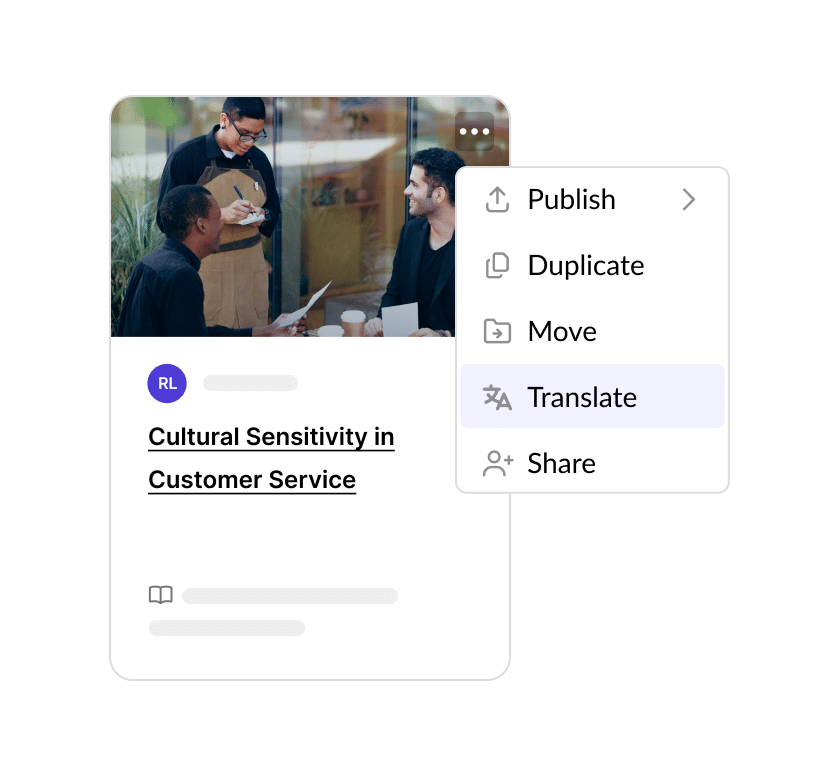
Translate training instantly with AI
Automatically translate Rise and Storyline courses, and other training formats into 80+ languages with built-in AI translation. Use custom glossaries to keep terms consistent across all of your content.
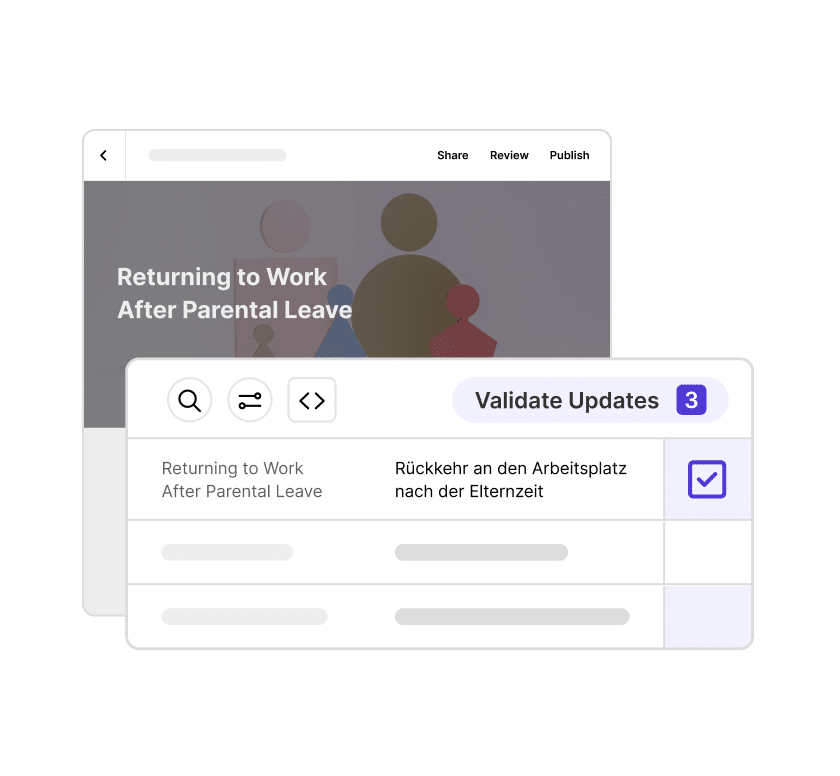
Validate translations with a live preview
Invite validators to review translations with full context in Review. Validators can suggest edits while seeing a live preview, then, import their feedback with just a click.
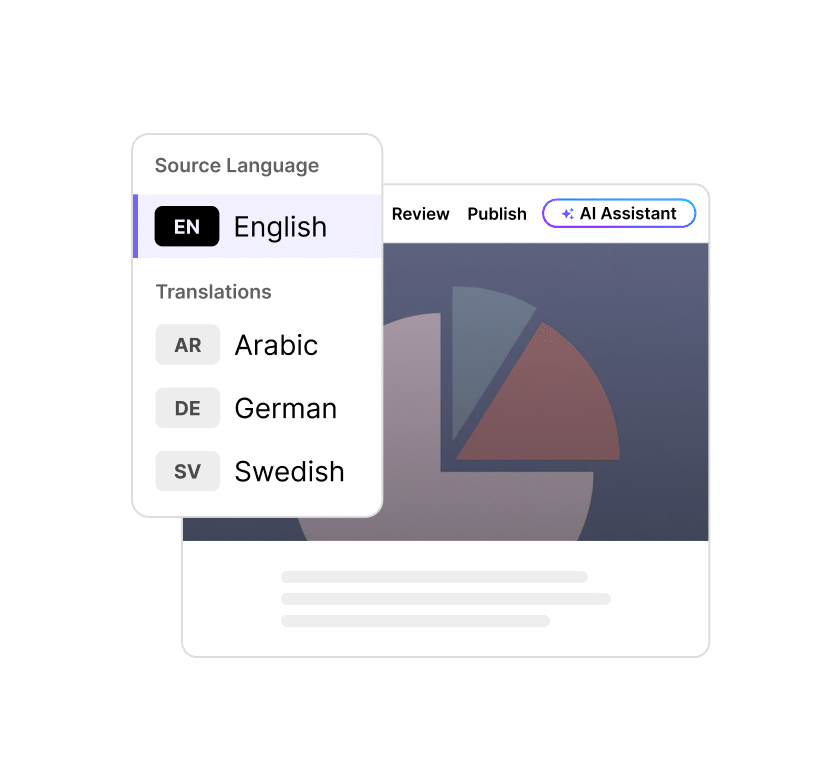
Manage all languages as one item
Keep all language versions together in one streamlined file. No more juggling separate versions or risking mix-ups—just easier updates, fewer errors, and a single-package output.
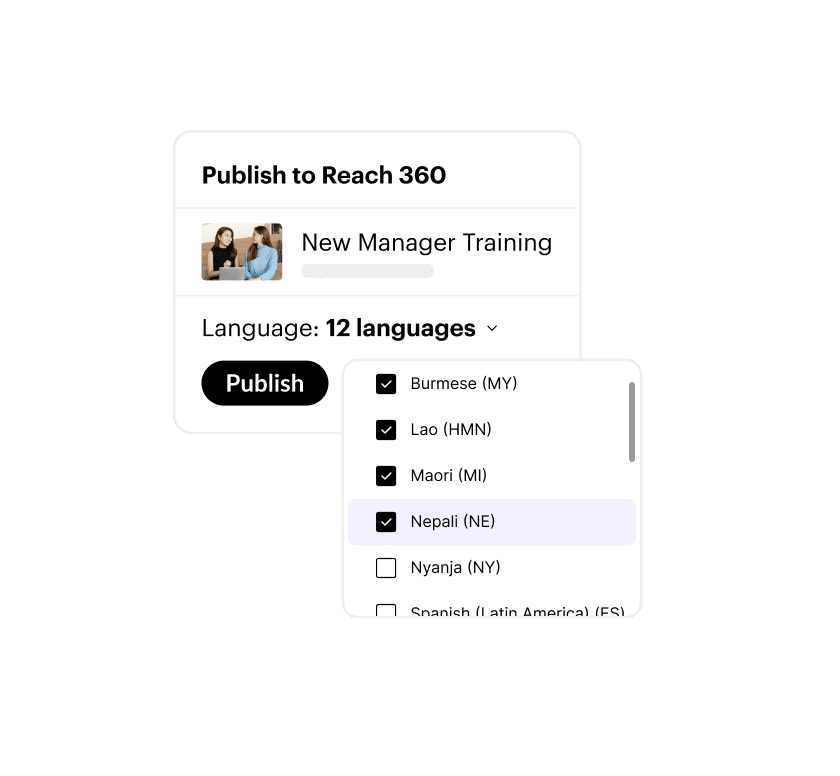
Publish once, reach everyone
Publish all language versions in one go, and choose a single-package output, so learners can choose their preferred language.
See Localization in action

Forbes Travel Guide scales luxury hospitality training globally
Learn how Forbes Travel Guide reduced costs and saved time localizing its robust training library for diverse global audiences.
Learn more about how to localize
Check out a Rise course about why localized e-learning matters and view a demo of how our solution works.

Discover how global leaders approach e-learning localization
Read about how learning leaders at global organizations tackle localization challenges, and what they’ve learned about scaling their training for multilingual learners.
FAQs
Our localization workflows are built specifically for training, native to Articulate 360. They include AI-powered multi-format translation, in-context validation tools, single-package publishing, and more – so you can deliver quality multilingual training to your global workforce in days, not weeks.
You can translate into 80+ languages, including right-to-left (RTL) languages. View the full list.
Articulate 360 AI users have access to all localization workflows across translation, validation, and publishing. Frontline users can translate training (and re-translate changed segments when updating training), and distribute with Quick Share.
Our solution allows you to retranslate only the segments changed in your source language since the last translation run. Validators can also focus reviews on updated segments to save time and leave other content untouched.
If you have an Articulate 360 account: Make sure you have credits in your account, and click ‘Translate’ on any piece of training content as a first step. If you don’t yet have an account, you can do this during a standard Articulate 360 trial, too.
Make training for every learner, 3x faster
Scale high-quality, multilingual learning in a fraction of the time. Translate, review, and manage every course in one place—and reach your global workforce without missing a beat.