
Streamline feedback with in-context review
Bring reviewer comments into your authoring workflow so you can view, respond, and resolve feedback, all in one place. Simplify e-learning collaboration and keep every project moving smoothly.
Why you’ll love in-context review in Articulate 360

Faster reviews
Cut down on back-and-forth by seeing exactly what reviewers mean, right inside your course.

Clearer collaboration
Keep every comment, response, and resolution in one place for total visibility.

Less rework
Act on precise, in-context feedback for online courses so updates are accurate the first time.
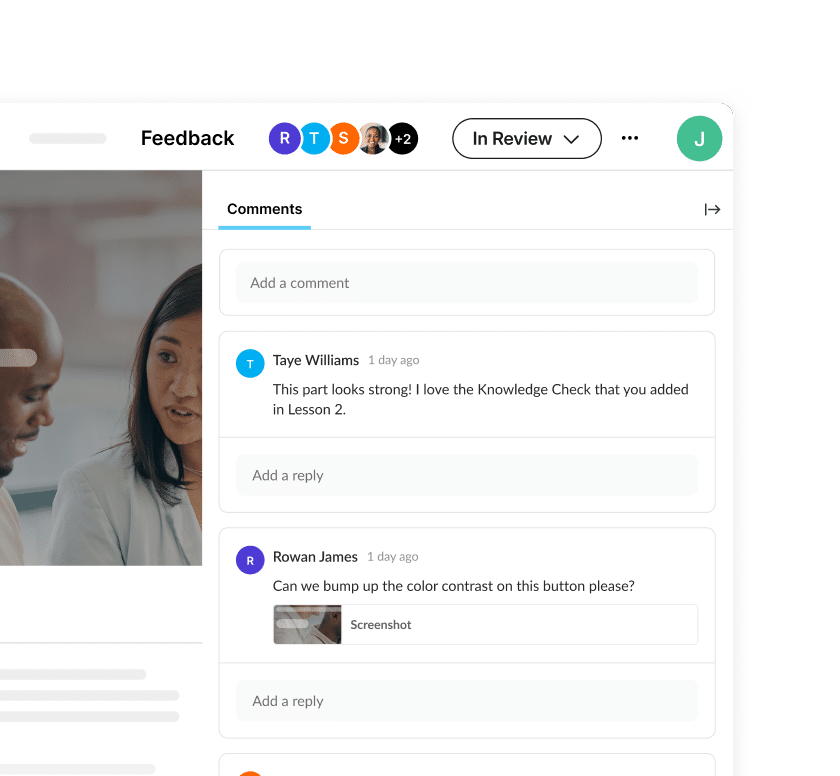
See side-by-side feedback
See reviewer feedback directly inside the authoring apps, pinned to specific slides or lessons. These in-context review tools for e-learning keep your workflow seamless.
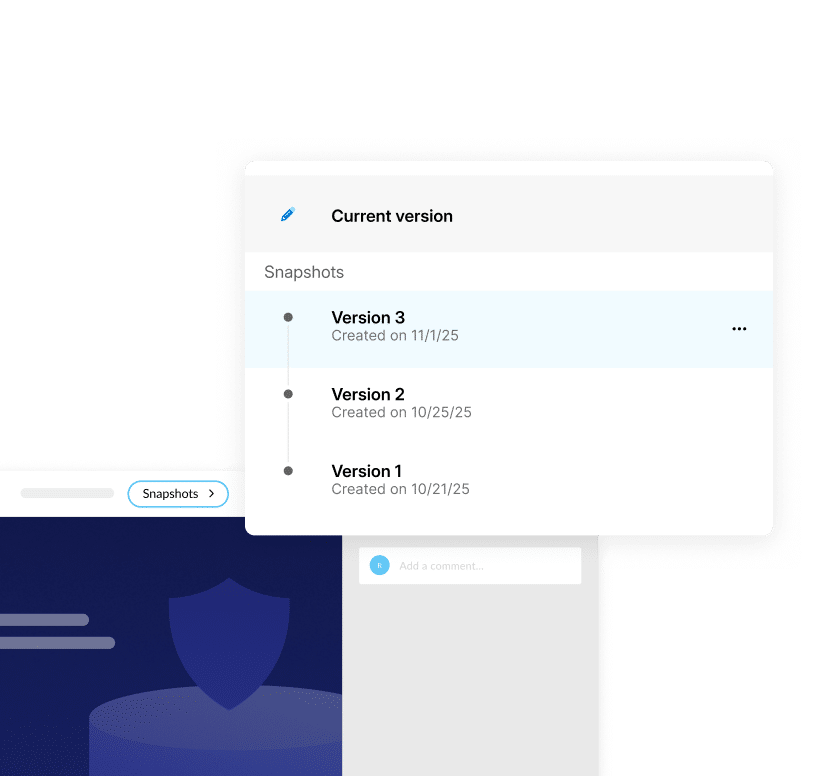
Unify feedback across versions
Manage comments across multiple review items, like versions or stakeholder groups, without leaving your authoring workflow. One view keeps your course organized and on track.
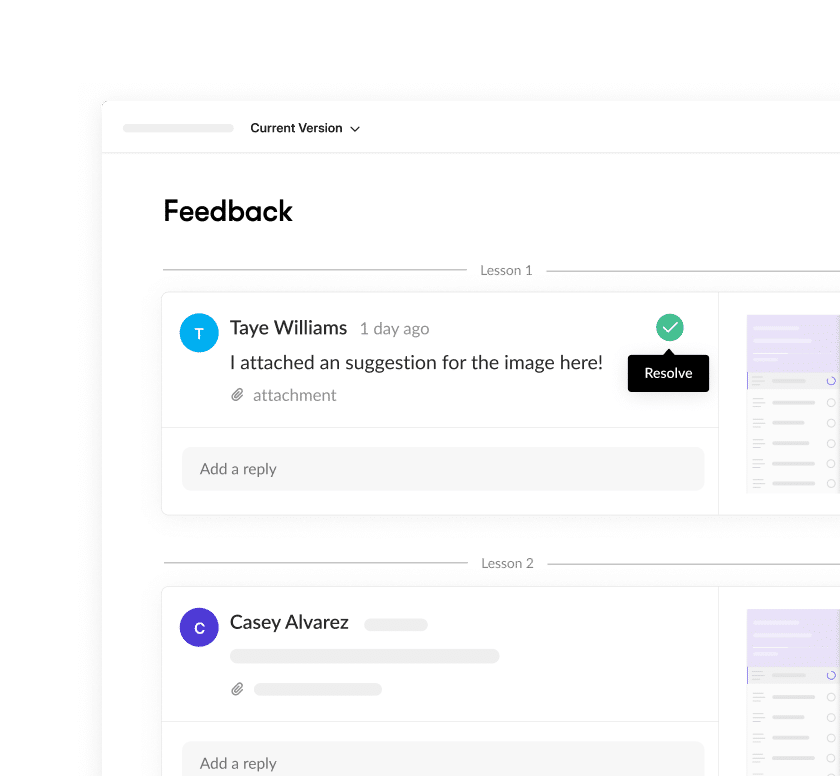
Respond and resolve in your flow
Reply to comments, tag stakeholders, and mark issues resolved as you edit. Everything syncs automatically with Review for real-time updates in your e-learning review and approval workflow.
See in-context review in action

Gainsight
Learn how Gainsight uses Articulate 360’s collaborate features to align teams, streamline reviews, and deliver consistent learning experiences.
Avid Technology
Discover how Avid simplifies feedback loops across global teams with in-context review.

Manage integrated comments
Explore a step-by-step guide on viewing, replying to, and resolving feedback directly in your authoring workspace.
FAQs
No setup required. Review is entirely browser-based, so reviewers can open a shared link and start commenting right away—no downloads or logins. It’s e-learning collaboration made simple for SMEs, compliance reviewers, or department heads.
No. Anyone with the shared review link can view a project and leave comments for free. Reviewers don’t need an Articulate 360 account or paid license to participate.
In-context review keeps everyone on the same page. Feedback appears right where it applies in Rise or Storyline, so you can act instantly. Threaded comments and @mentions make collaboration conversational, while automatic syncing ensures everyone sees the latest version in your e-learning review and approval workflow.
Yes. View and manage feedback across different review links within your authoring environment. It’s a streamlined collaboration feature that helps you prioritize fixes and stay consistent across projects.
Yes, it’s fully supported in both. Whether you’re building responsive courses in Rise or simulations in Storyline, comments appear directly in your workspace for a unified experience.
Absolutely. Review supports threaded discussions, so reviewers can reply, clarify, or align before authors make edits, reducing confusion and speeding up approvals.
Shorten feedback cycles with in-context review
Cut review time, eliminate miscommunication, and make online learning collaboration effortless with Articulate 360.