

Accessible E‑Learning Checklist
Learn how to create accessible e-learning from closed captioning to contrast ratios and more
Accessible e-learning is designed for all learners—regardless of ability. This actionable checklist introduces universal design best practices for online learning.
Download the checklist to evaluate your e-learning to ensure it’s accessible to all learners. Tips include:
87% of customers say Articulate 360 makes it easy to create accessible e-learning
Loved by customers and industry experts




You may also like
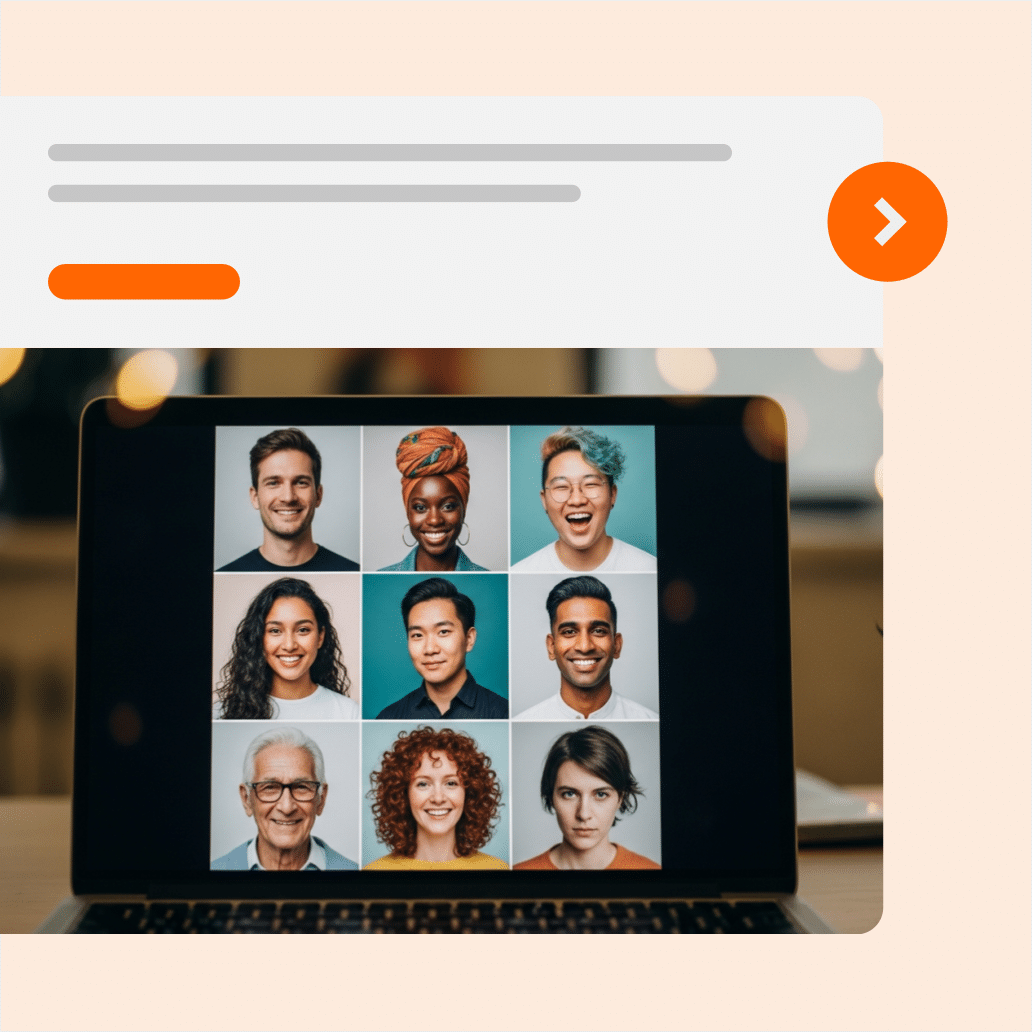
How to Get Inclusive Images With Better AI Prompts
This quick micro-guide will help you create inclusive AI images that support engagement and improve representation for your workplace learning.

How to Write Better AI Prompts for Workplace Training
Accelerate workplace learning creation and make your AI tools work for you with this guide to effective AI prompting for training content.
AI Prompting Made Simple: 4 Prompt Types in 5 Minutes
Get this micro-guide on when and how to use four AI prompt types to produce better AI-generated course content, faster.