
Design beautiful, on-brand training
Build courses that reflect your organization’s style with customizable themes, shared slides, and polished templates—so every course looks consistent, professional, and unmistakably yours.
Why you’ll love branding and design in Articulate 360

Stay on-brand, every time
Use shared team slides and customizable themes to keep every course on-brand.

Save hours of design time
Start with professional templates that look polished—no design experience required.

Create consistency
Keep visuals and layouts aligned so learners recognize your brand.
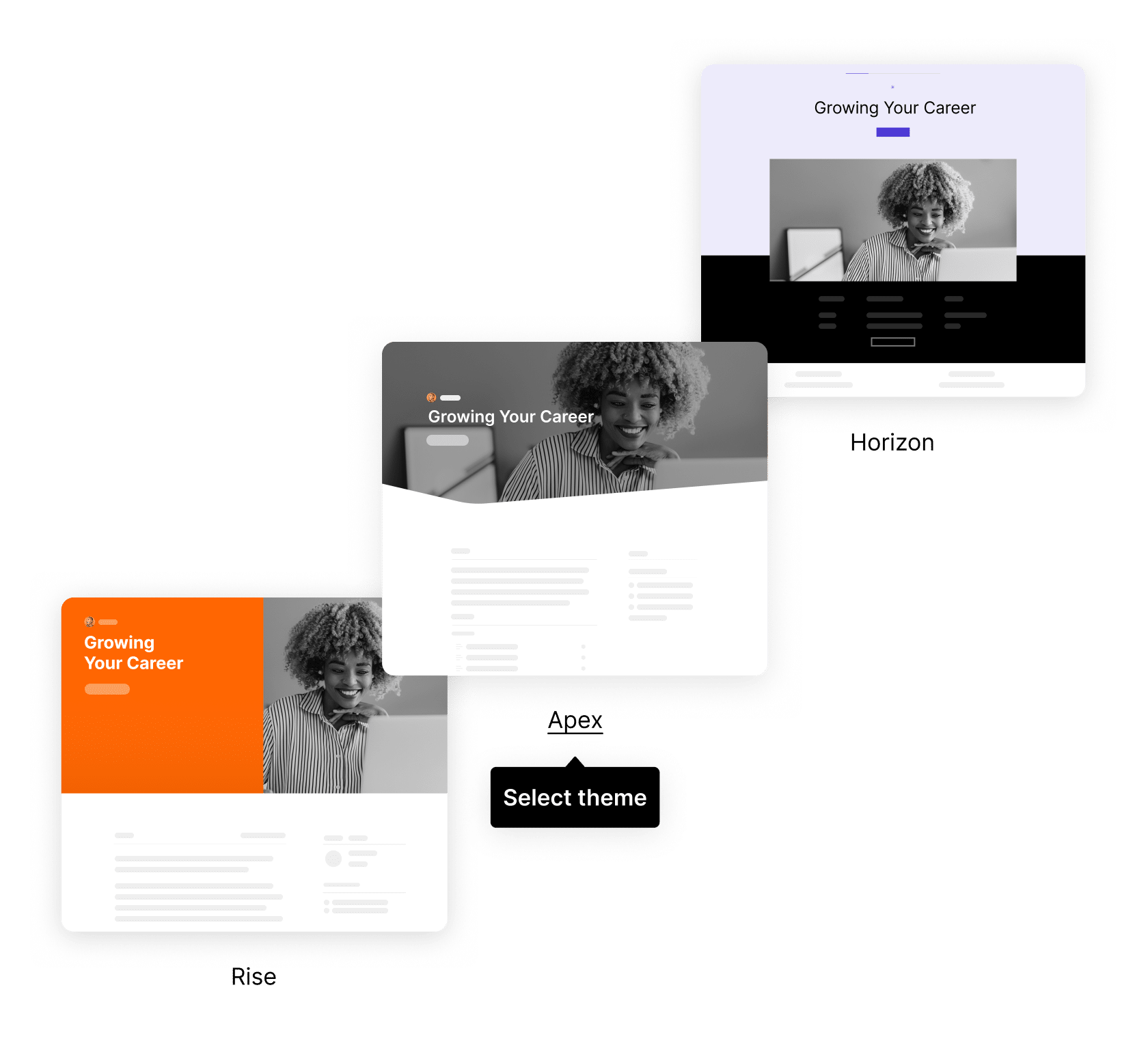
Apply course themes
Apply your brand’s look instantly across an entire course with customizable themes that update colors, typography, and styles in one click.
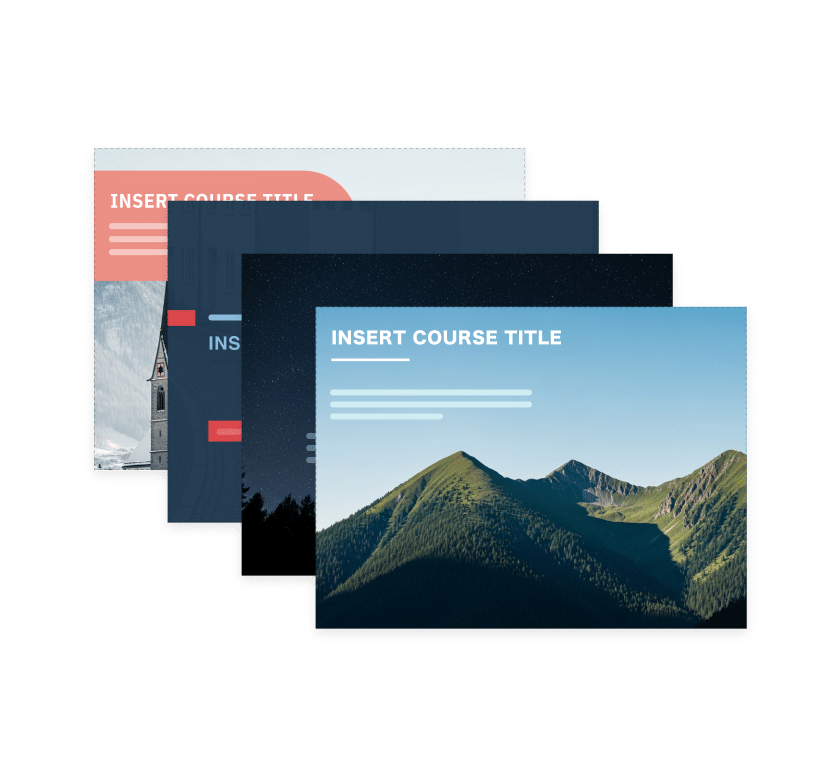
Customize slide templates
Jump-start course creation with ready-made slide designs you can easily tailor with your brand’s fonts, colors, and layouts.
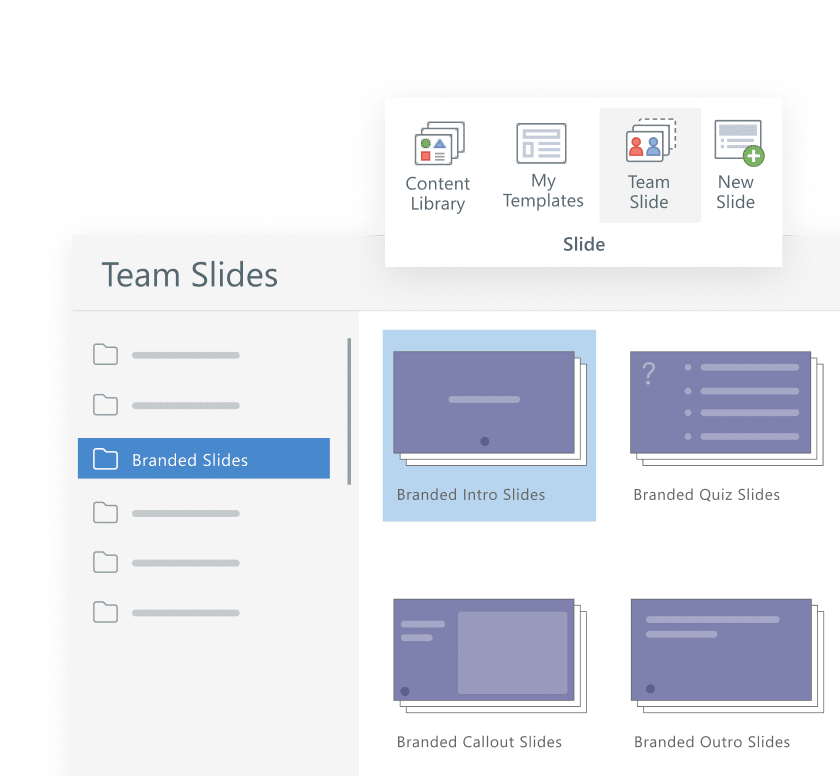
Share team slides
Share branded slides across your organization so every course looks cohesive and on-brand.
See branding and design in action

How to brand your Rise courses
Learn step-by-step how to apply your company’s logo, brand colors, and fonts in Rise to make every course feel uniquely yours.

Overview of themes & templates in Storyline
See how customizable themes, slide masters, and templates make it easy to keep every course on-brand—no matter who creates it.

Build beautiful courses fast with slide templates
Discover how ready-made templates from Content Library help your team design consistent, professional training in less time.
FAQs
They’re tools that help you create professional, on-brand courses using customizable themes, shared team slides, and ready-made templates.
Yes. You can easily add your logo, set brand colors and fonts, and apply them across entire courses for a consistent look.
Team slides let your organization share branded layouts and designs, so everyone builds from the same polished, approved assets.
Not at all. Templates and themes are predesigned by e-learning experts, so anyone can create beautiful, on-brand content in minutes.
Yes. All Articulate 360 courses are responsive by design, so your branded visuals look great on desktop, tablet, and mobile.
Templates and team slides are stored within your Articulate 360 account, making it easy for anyone on your team to access and reuse them.
Bring your brand to every course
Create cohesive, professional courses that reflect your brand—faster—with Articulate 360. Build once, share across your team, and keep every learning experience beautifully on-brand.