
Create immersive, interactive learning experiences
Build branching scenarios, simulations, quizzes, and more with advanced interactivity—and use AI to do it faster.
Why you’ll love advanced interactivity in Articulate 360

Make learning stick
Give learners realistic practice through interactive e-learning scenarios and simulations.

Design without limits
Use layers, triggers, and states to build virtually anything you imagine.

Work faster with AI
Generate narration, quizzes, and visuals in minutes—without losing creative control.
Build realistic practice scenarios
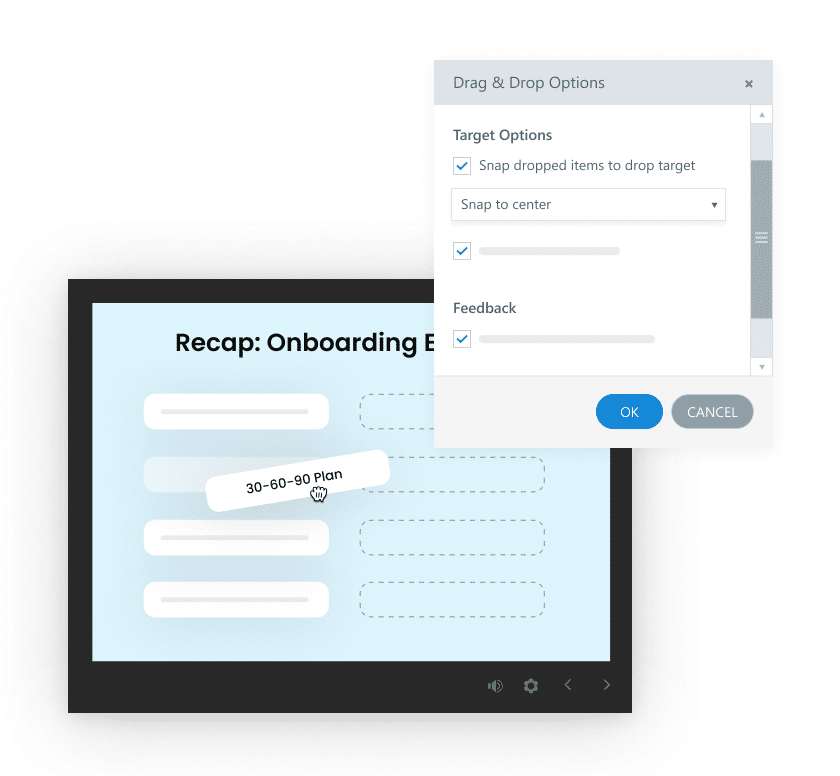
Create interactive online training with branching scenarios and simulations where learner choices drive outcomes, plus drag-and-drop activities for hands-on learning.
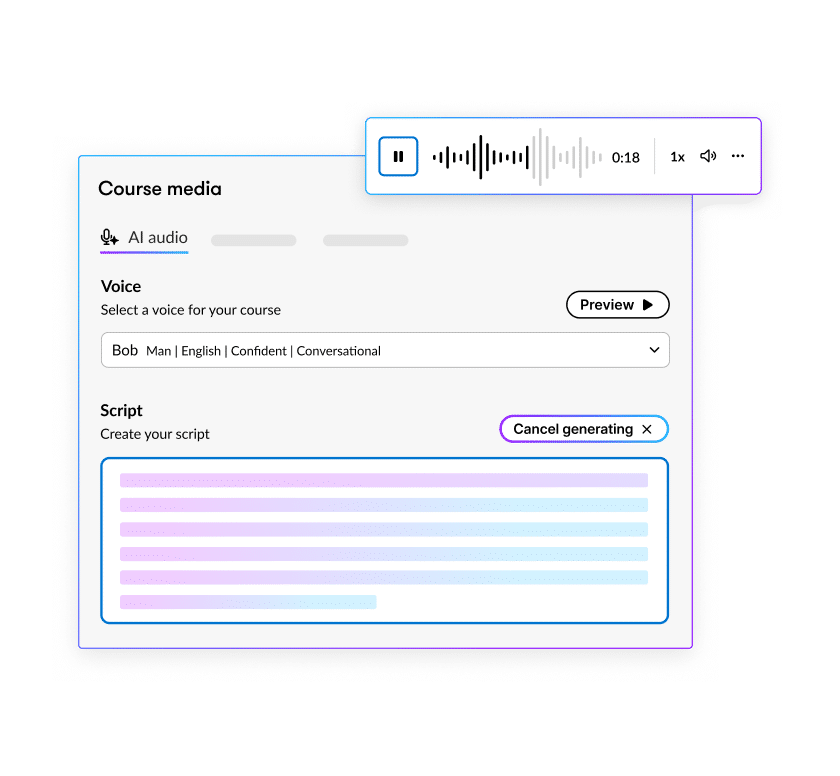
Add narration in a click
Use AI text-to-speech to instantly generate natural-sounding voiceovers.
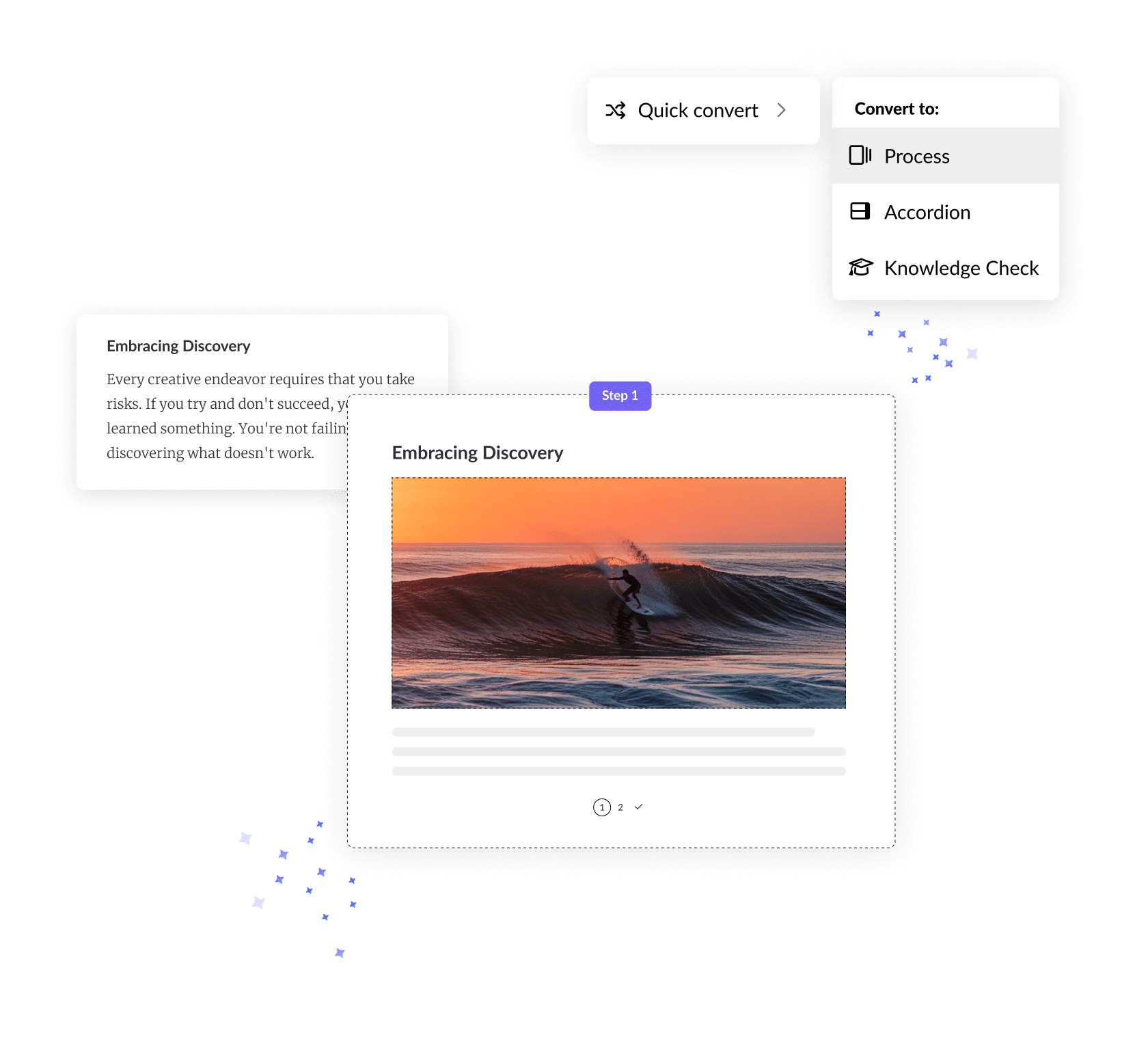
Get custom visuals without a designer
Generate scenario-specific images directly in Articulate 360 to match your training context.
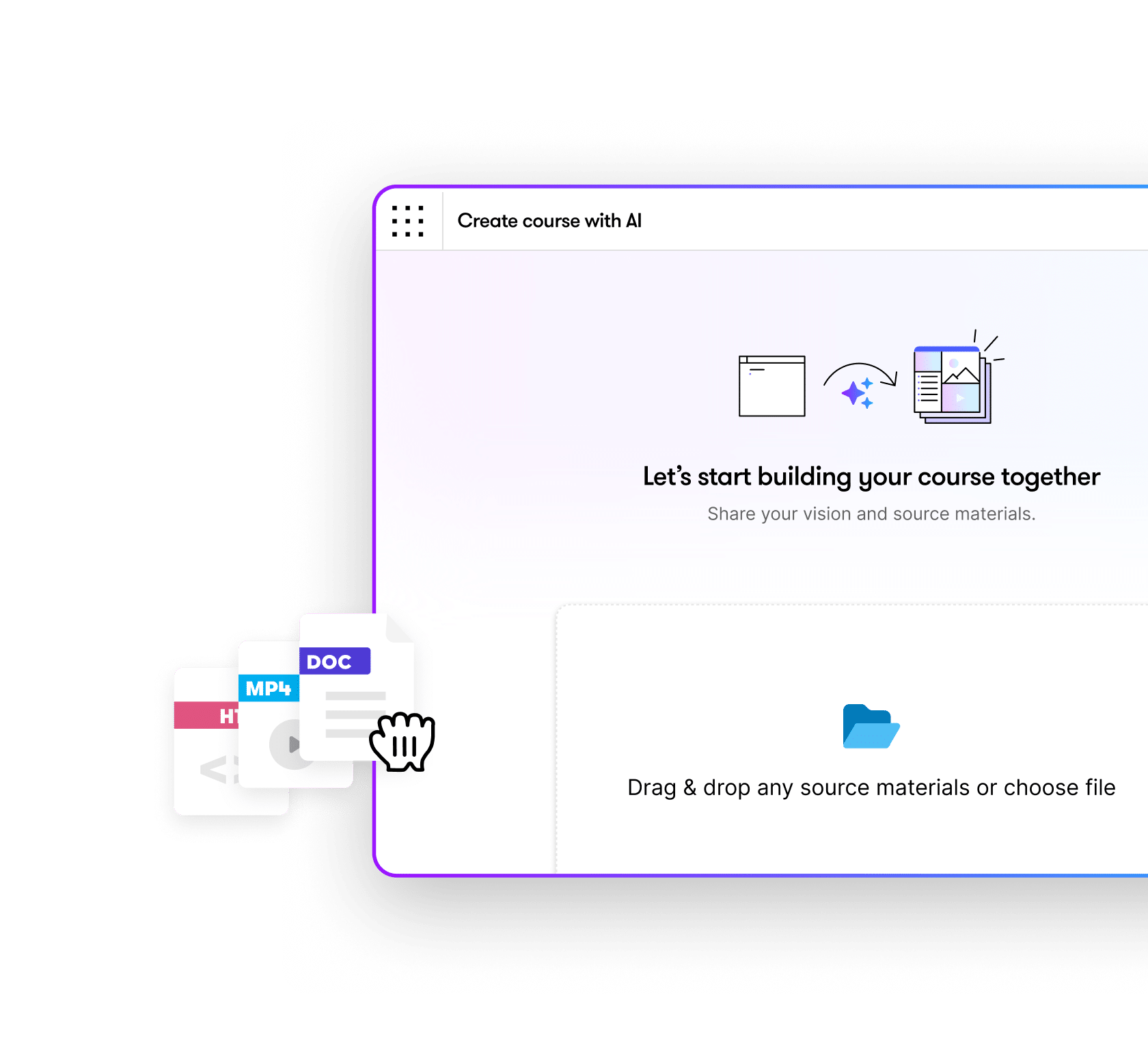
Reinforce knowledge automatically
Build editable assessments in minutes with AI-generated quiz questions from your source material.
See advanced interactivity in action
GP Strategies upskills talent
See how GP Strategies uses advanced interactivity to create immersive training that boosts learner confidence.
What are e-learning branching scenarios?
Learn how to design decision-driven experiences that feel real—and why they’re so effective.

Building practice & prove-it learning experiences
Discover how interactive scenarios give learners safe spaces to apply skills before using them on the job.
FAQs
It’s how you go beyond static slides. In Storyline, you can combine layers, states, triggers, and objects to create branching scenarios, simulations, and custom interactions that respond to learners’ choices.
Not at all. Storyline’s interface is visual and intuitive. You can build simple interactions quickly with templates, then layer in complexity as your skills grow.
AI speeds up time-consuming tasks. Generate narration, quizzes, and custom visuals instantly, so you can focus on course design.
Yes. Save Storyline templates and interactions to reuse across projects, ensuring consistency and saving time.
Start building immersive training today
Create learning that engages, challenges, and prepares your team with advanced interactivity in Articulate 360.