
Create training that works for every learner
Design inclusive, standards-compliant courses with built-in accessible e-learning tools such as the Accessibility Checker, closed captions, and screen reader support, so everyone can learn with confidence.
Why you’ll love accessibility in Articulate 360

Design for everyone
Create courses that include all learners and meet e-learning accessibility standards like WCAG and Section 508.

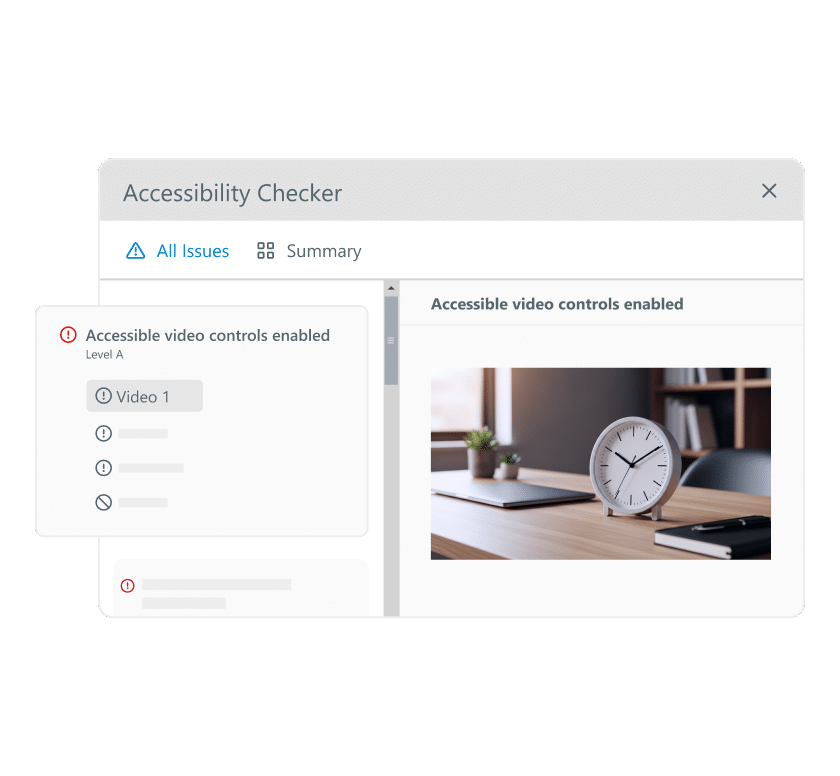
Catch issues early
Use the Accessibility Checker to find and fix problems before publishing.

Add inclusive media
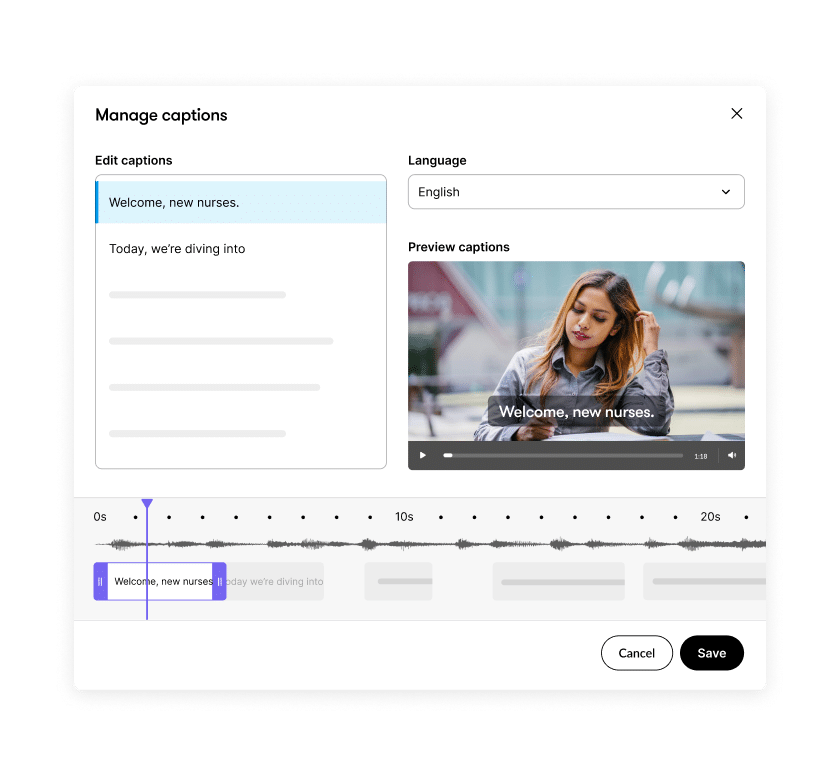
Easily include closed captions, alt text, and screen reader support so every learner can follow along.
Check accessibility automatically
Instantly scan your course and get actionable guidance to fix issues before you publish.
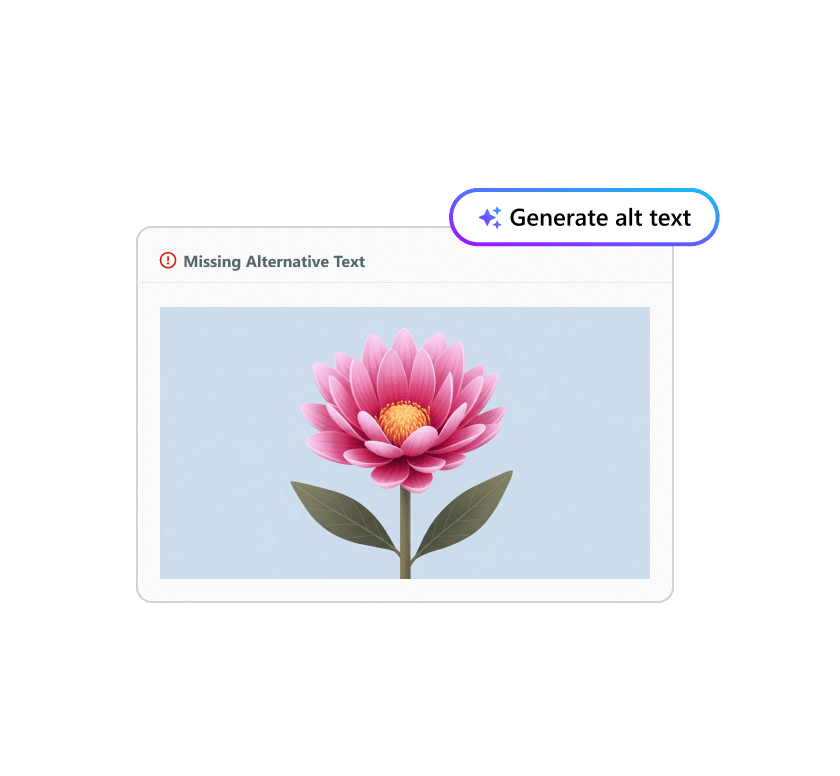
Add captions and text alternatives
Make videos, images, and media understandable for everyone in just a few clicks.
Support every learner
Build courses that work seamlessly with screen readers and keyboard navigation.
See accessibility in action
How e-learning redefines accessibility for all learners
Discover how inclusive course design benefits everyone, and see how e-learning accessibility drives better learning outcomes.
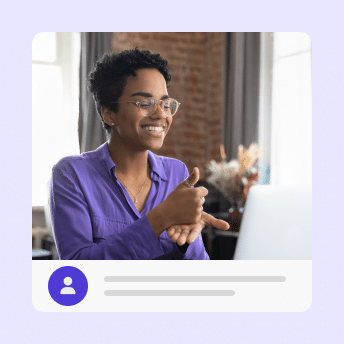
The importance of accessibility in e-learning
Learn why accessible online learning is essential to effective learning and how Articulate 360 makes it simple to design training that reaches every learner.

Improve learning experiences with the Accessibility Checker
See how the Accessibility Checker in Storyline helps you find and fix issues before publishing, so every course meets e-learning accessibility standards.
FAQs
Accessibility ensures that everyone—including people with disabilities—can fully experience your training. Articulate 360 tools help you build accessible e-learning courses that meet WCAG and Section 508 standards.
Both Rise and Storyline include built-in e-learning accessibility features, such as screen reader support, accessible text, keyboard navigation, and closed captions.
Use the accessibility checklists in Rise and the Accessibility Checker in Storyline to review and fix issues before publishing.
Yes. Storyline gives you full control over tab order, letting you define how screen readers and keyboard users move through each slide.
Yes. Rise supports JAWS, NVDA, and VoiceOver, ensuring learners using assistive technologies can navigate and complete your courses.
Absolutely. You can add closed captions to videos and audio, and include text transcripts for multimedia content to make learning fully accessible.
Most accessible design practices are built in—like responsive layouts, proper heading hierarchy, and clear focus states—so your courses start accessible from the start.
Start building inclusive learning today
Create courses that look great, meet accessibility standards, and work for every learner.