

What’s New
Articulate 360 is always evolving to bring you the most innovative learning technology. Keep reading to learn how we’re making it easier to create, collaborate on, distribute, and scale global training.
Eén platform. Twee hele efficiënte manieren om te trainen.
De kracht van expert cursusontwerp voor L&D-teams. Begeleide ontwerpprocessen voor alle andere werknemers. Zorg dat het hele personeelsbestand optimaal kan leren - met Articulate 360.
Articulate 360 AI
Alles wat instructieontwerpers nodig hebben om trainingen te maken, samen te werken, en training op grote schaal te delen.
Frontline
De productie van trainingen, begeleid door AI en gebaseerd op leerwetenschappen, met ingebouwde tracking.
 Nova, jouw AI-agent voor beide producten
Nova is een agentic AI die tot stand is gekomen met meer dan 20 jaar leerwetenschappen. Het vereenvoudigt complexe workflows waar meerdere afzonderlijke tools en applicaties bij betrokken zijn. Met Nova kun jij je met prestaties bezighouden in plaats van bronnen te moeten beheren.
Tag key
Available in Articulate 360 AI
Available in Frontline
Uses credit

Build interactive training quickly and easily
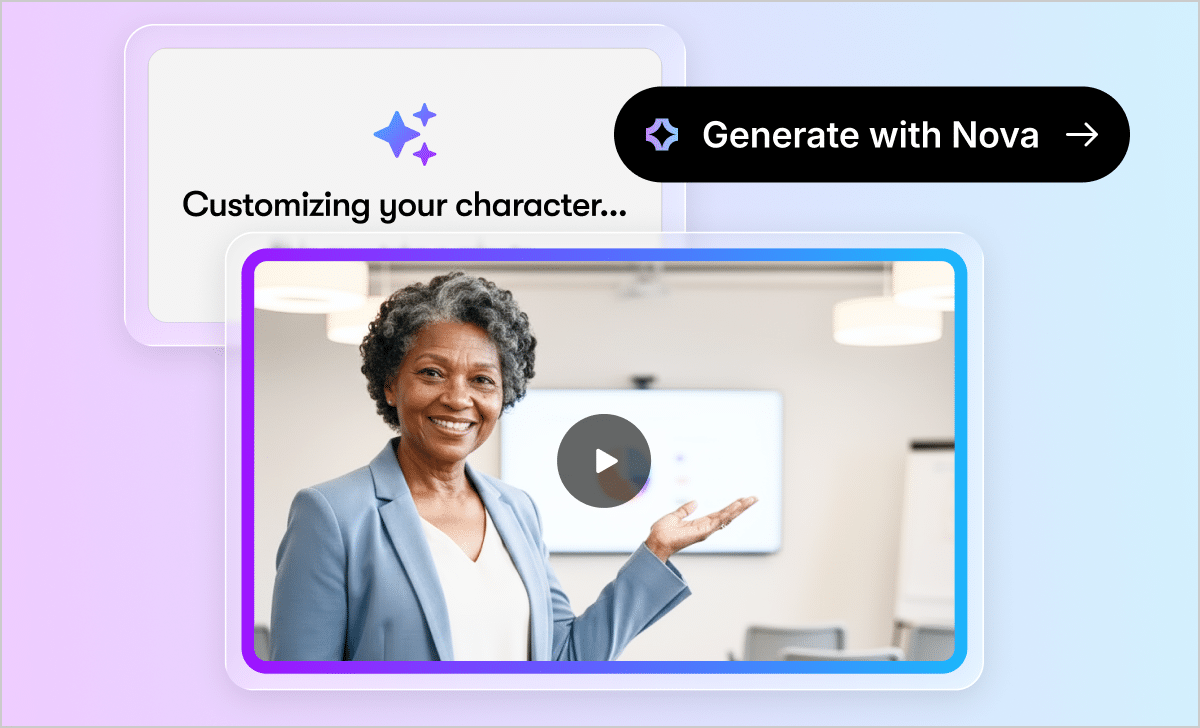
Create high-quality videos without filming
Don’t have the time, budget, or skills to record and edit videos? Now you can generate custom avatar-led videos in minutes with AI, all without leaving the platform.
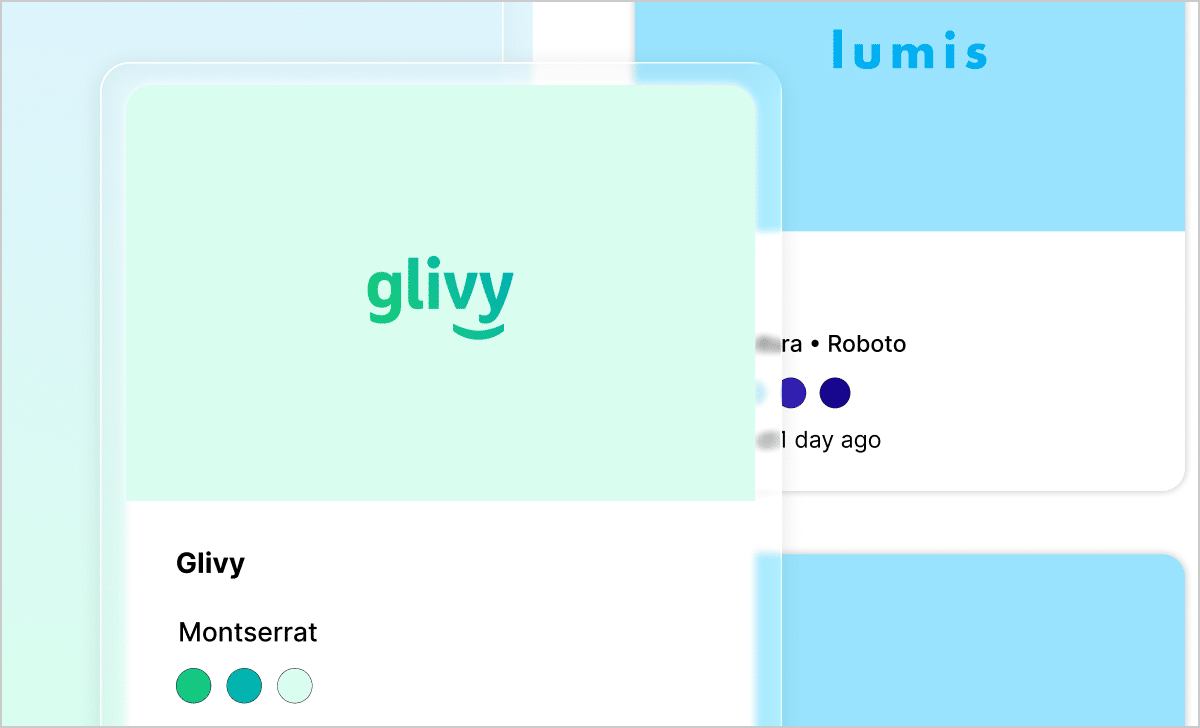
Ensure brand consistency from the start
Want to make sure your organization’s training is on-brand from the start? Now, you can define and apply fonts, colors, and logos for your entire team.
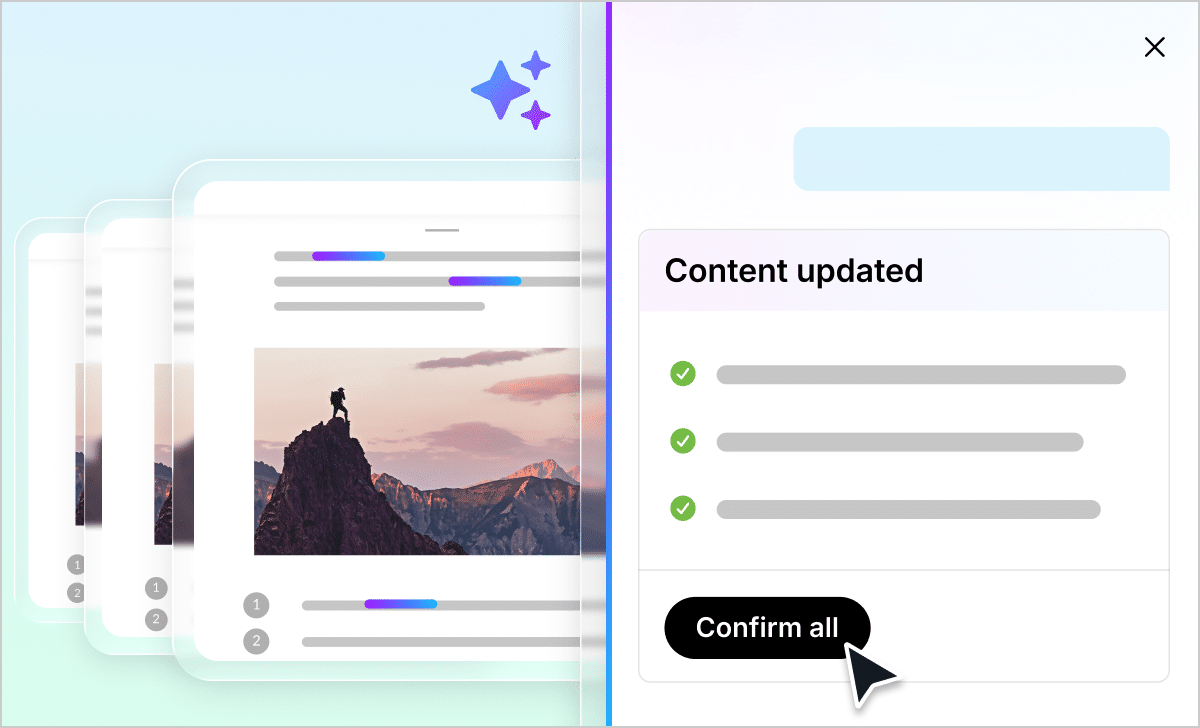
Update training content instantlyoice quickly
Say goodbye to manual, block-by-block edits. Now, you can use AI to update wording, tone, grammar, and more across your training, then review and approve changes before they’re applied.
Use existing documents to build training
No more downloading and uploading source files. With this integration, you can upload files directly from Google Drive or Microsoft OneDrive, and turn them into training with a click.
Sync your favorite AI tool with Articulate 360
Want to seamlessly integrate your preferred AI into your workflow? Sync it with Articulate 360 to start working there, then seamlessly generate training without copy-pasting.
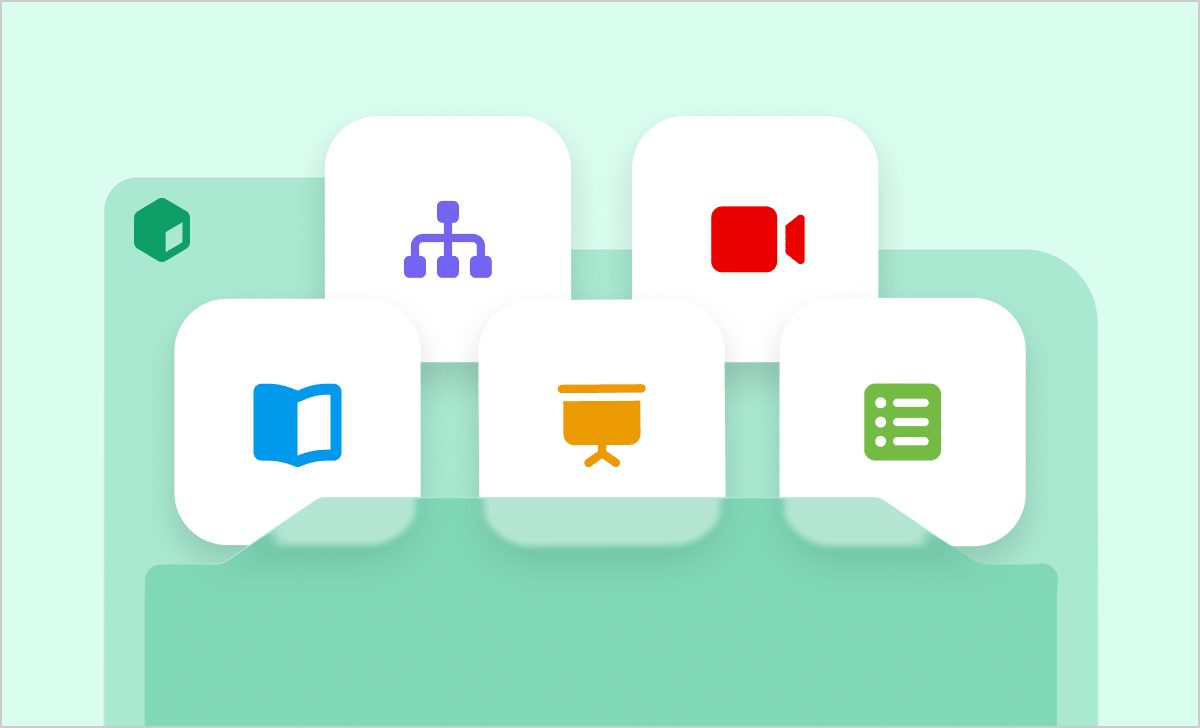
Create a full training kit in seconds
Not sure where to start when building training? Upload what you have to Frontline to generate a comprehensive training kit aligned with industry best practices and your training goals.
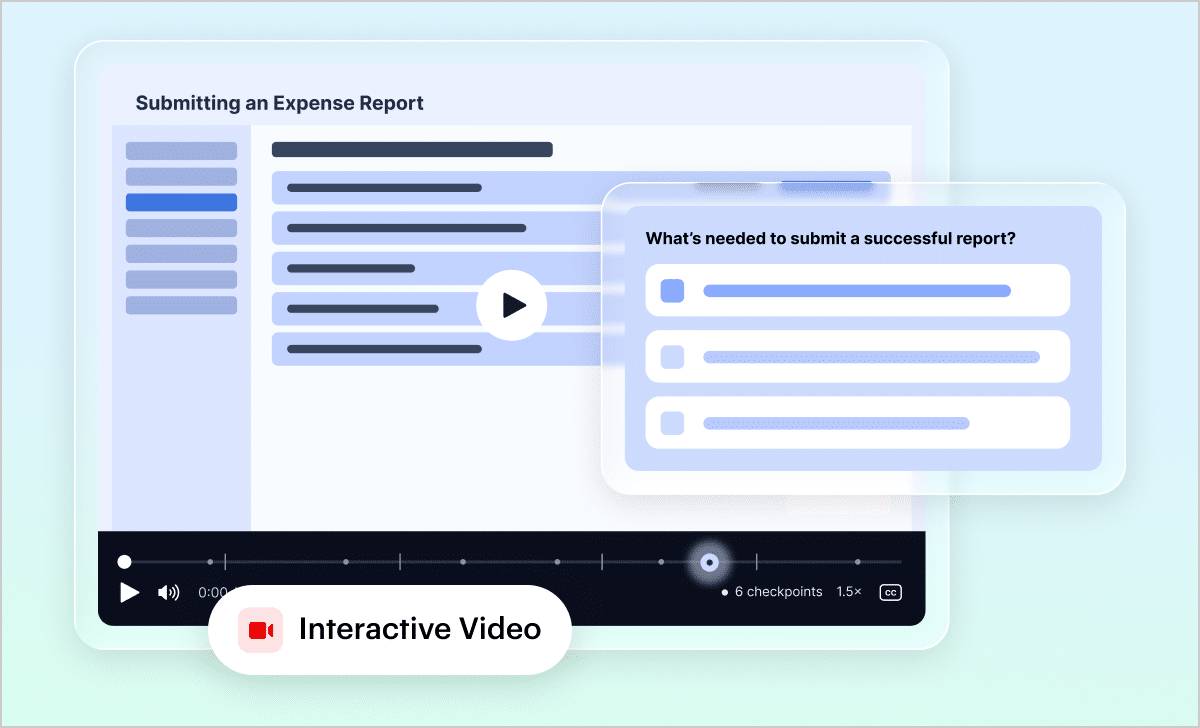
Turn videos into interactive experiences without manual editing
Worried about learners disengaging before finishing a lengthy video? Instantly transform recordings into structured training with AI-generated chapters, learning checkpoints, summaries, and more.
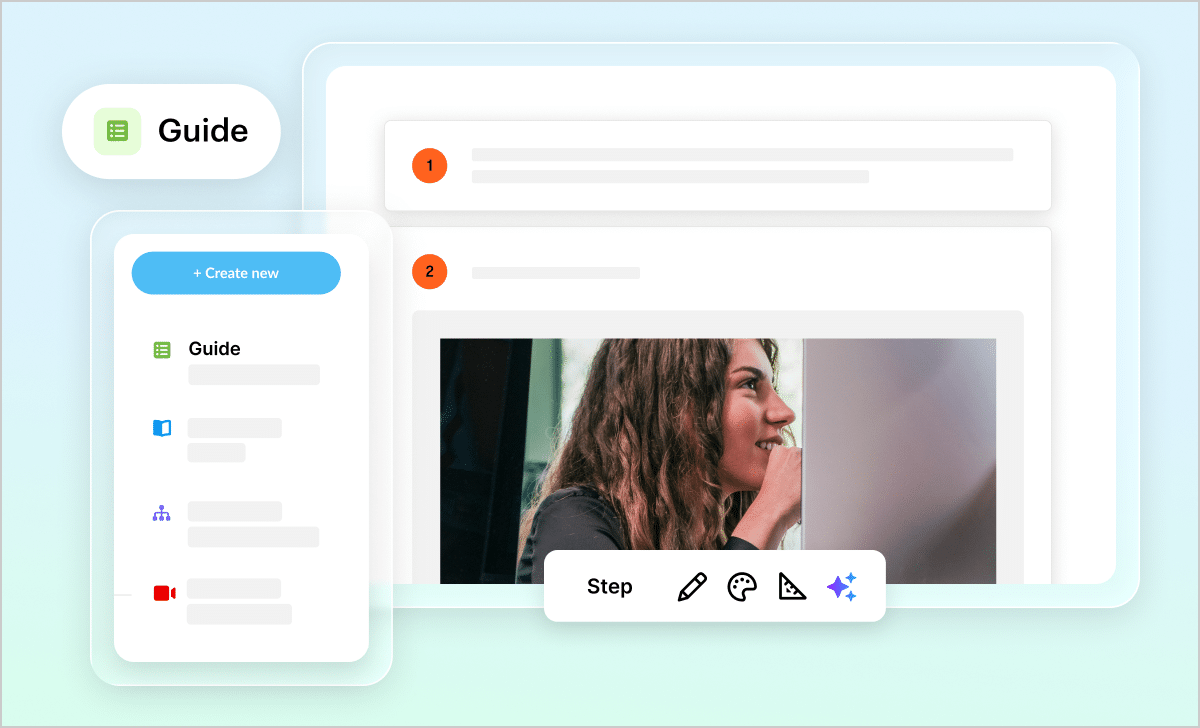
Create step-by-step performance support guides
Courses aren’t always the best way to document guided workflows. Easily build, update, and share step-by-step training content using the new Guide format.
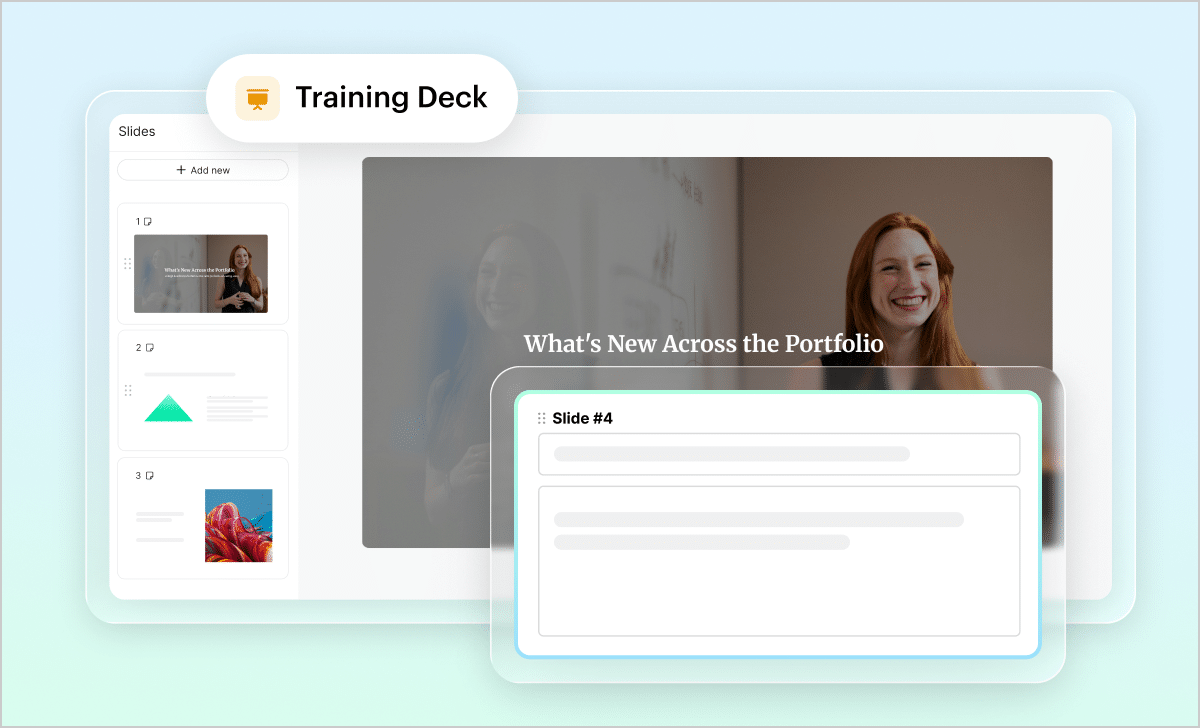
Draft polished slide decks in seconds
Tired of maintaining courses, slide decks, and other training material separately? Now, you can convert existing content into polished presentation decks, all in the same platform.
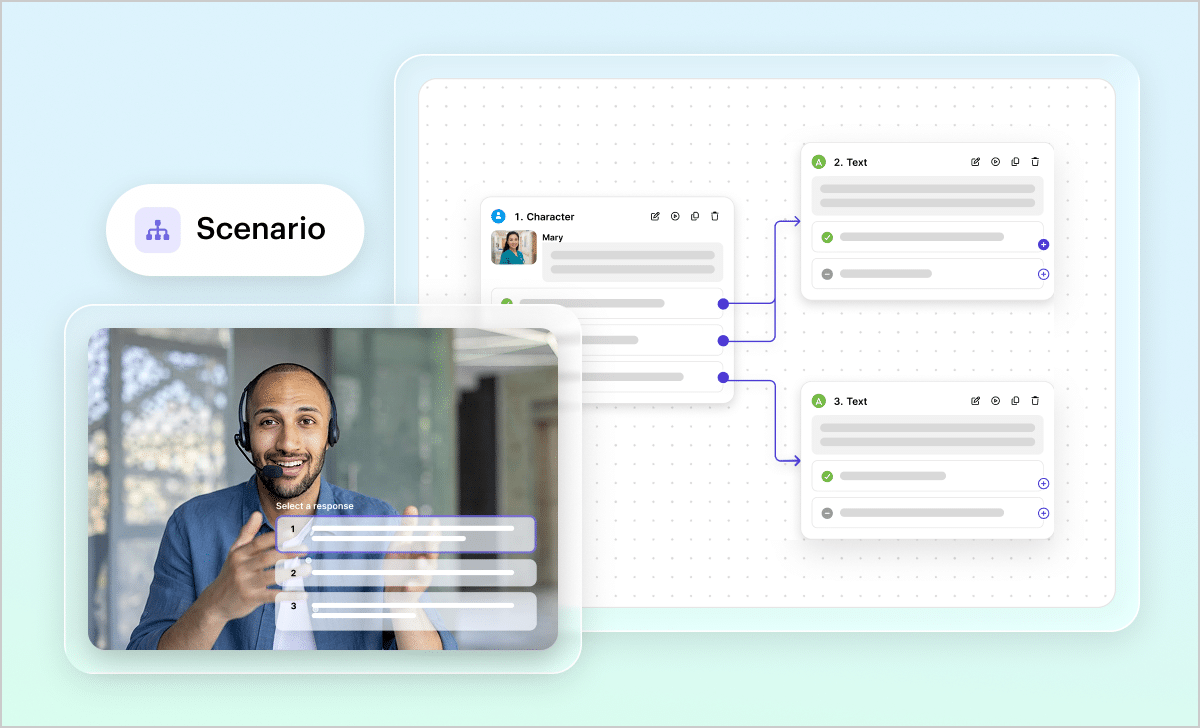
Prepare learners for real-life situations
Don’t have the time or skills to build interactive branching scenarios? Use AI to create training sequences with realistic dialogue, choices, and feedback—all from a simple prompt.
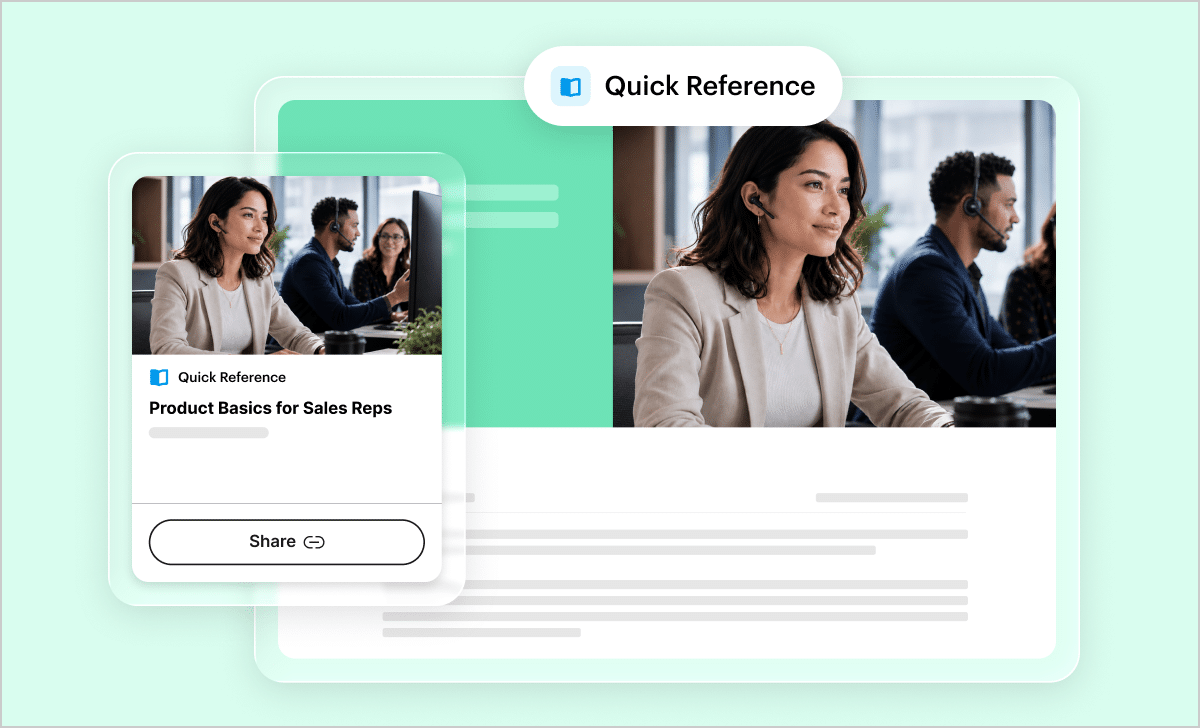
Increase retention with highly focused training
Need to update team members about a new process or product? Generate an interactive Quick Reference course in minutes to get them up to speed.
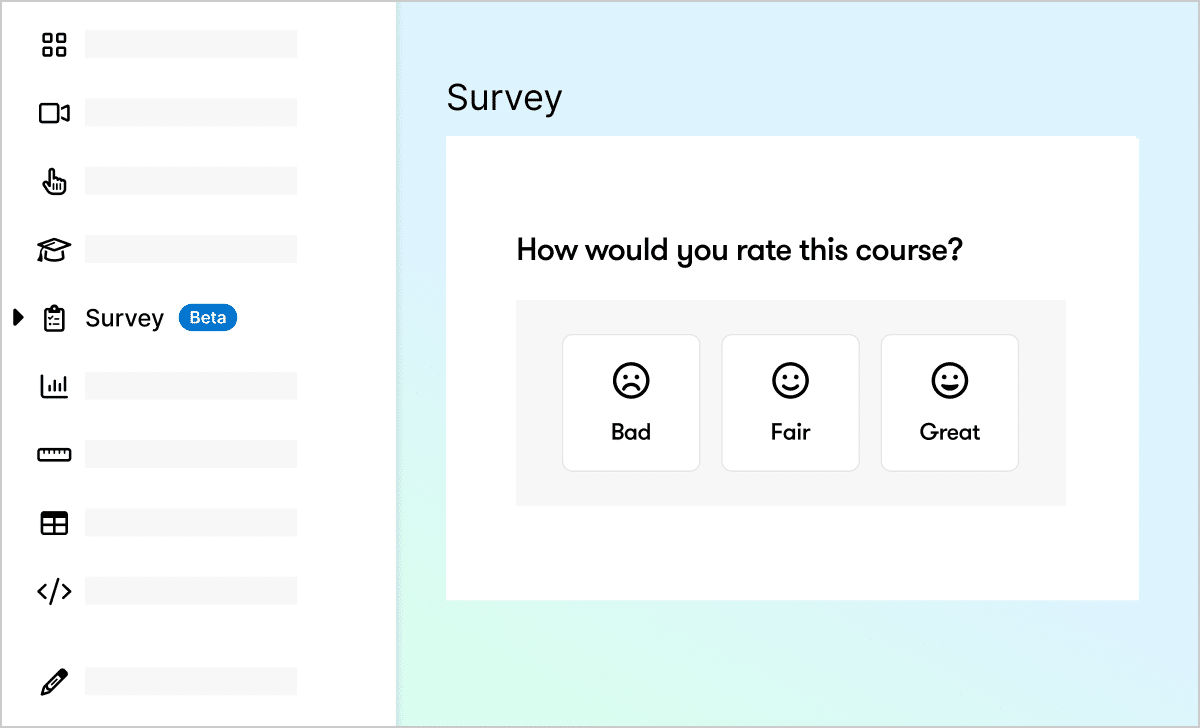
Collect and analyze learner feedback easily
Want an easier way to get feedback from learners? Now you can add a survey to training distributed with QuickShare links, complete with AI-summarized results.
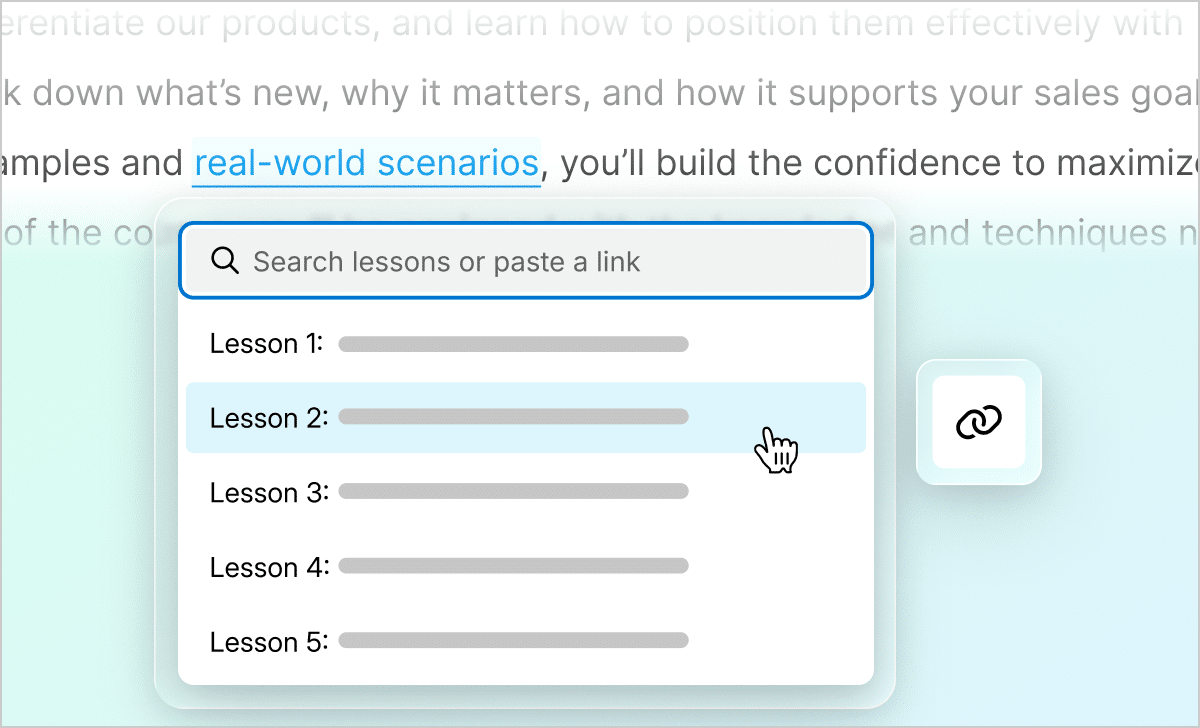
Point learners to relevant content
Need to refer learners to relevant information in another part of your training? Now, you can easily hyperlink to additional lessons, blocks, and other content.
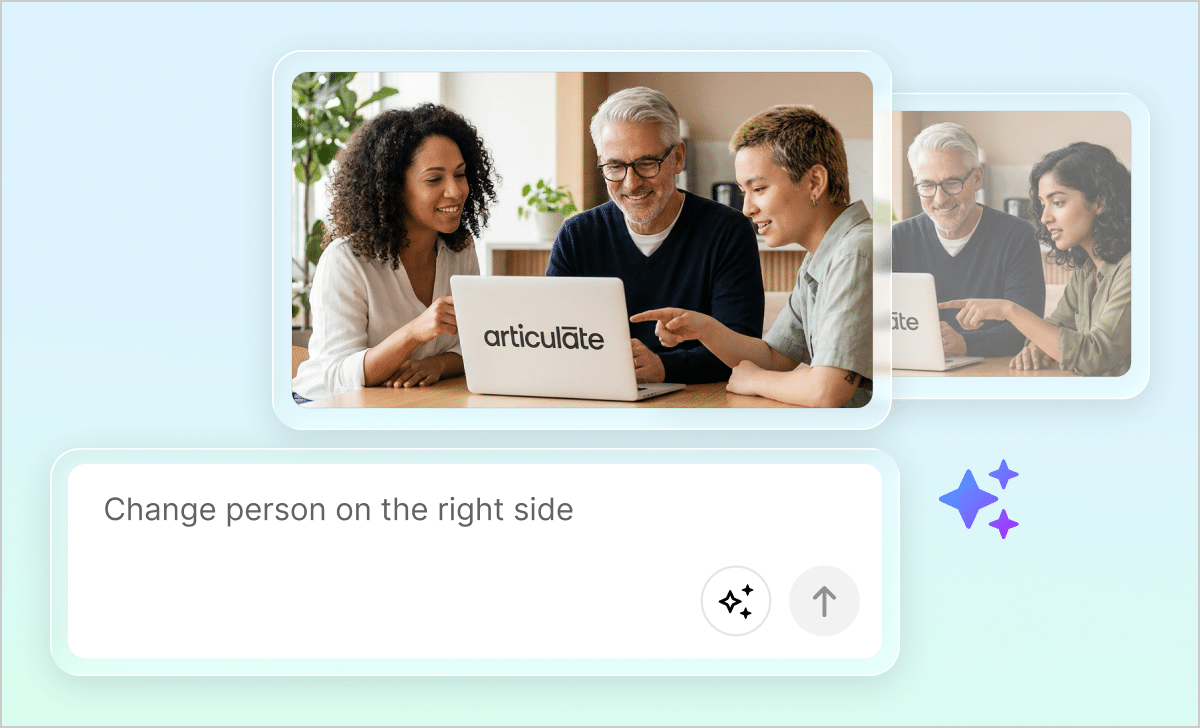
Edit AI images without starting over
Tired of endlessly regenerating AI images until you get what you need? Now, you can use prompts to change specific details, colors, and more without starting over.
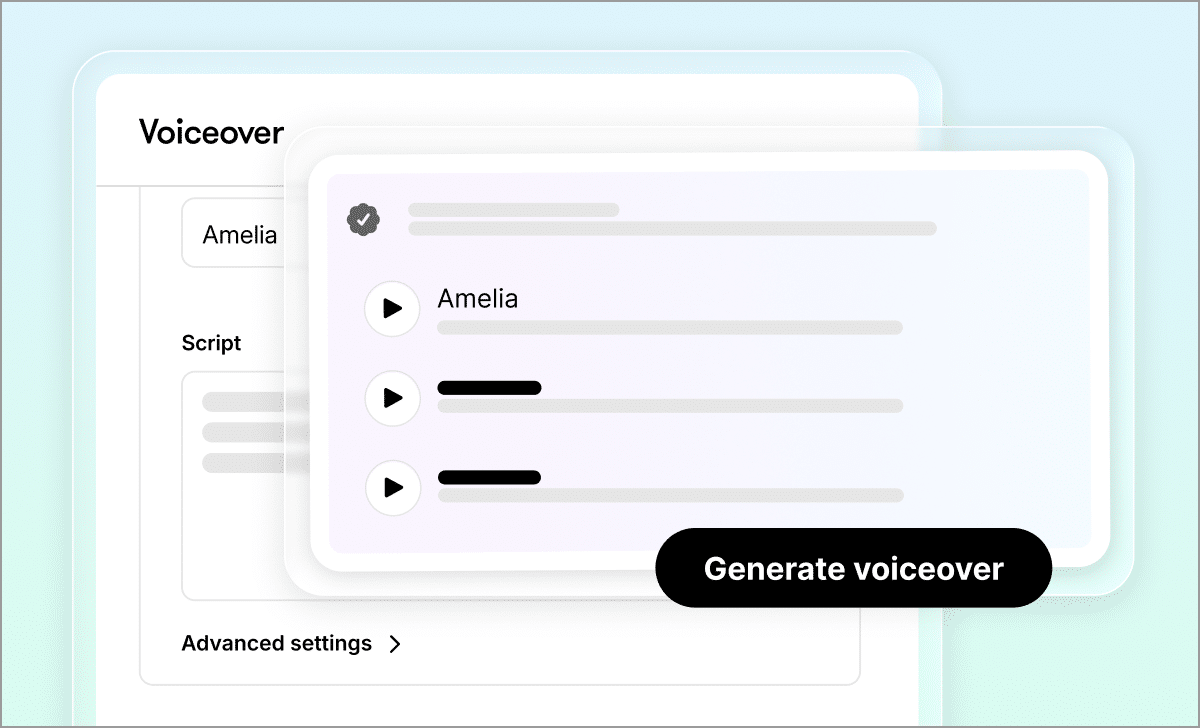
Find the perfect voice quickly
Stop spending time searching for the perfect AI voice. Now, you can choose from a curated set of Articulate-owned, avatar-matched voices to help ensure the right fit, every time.
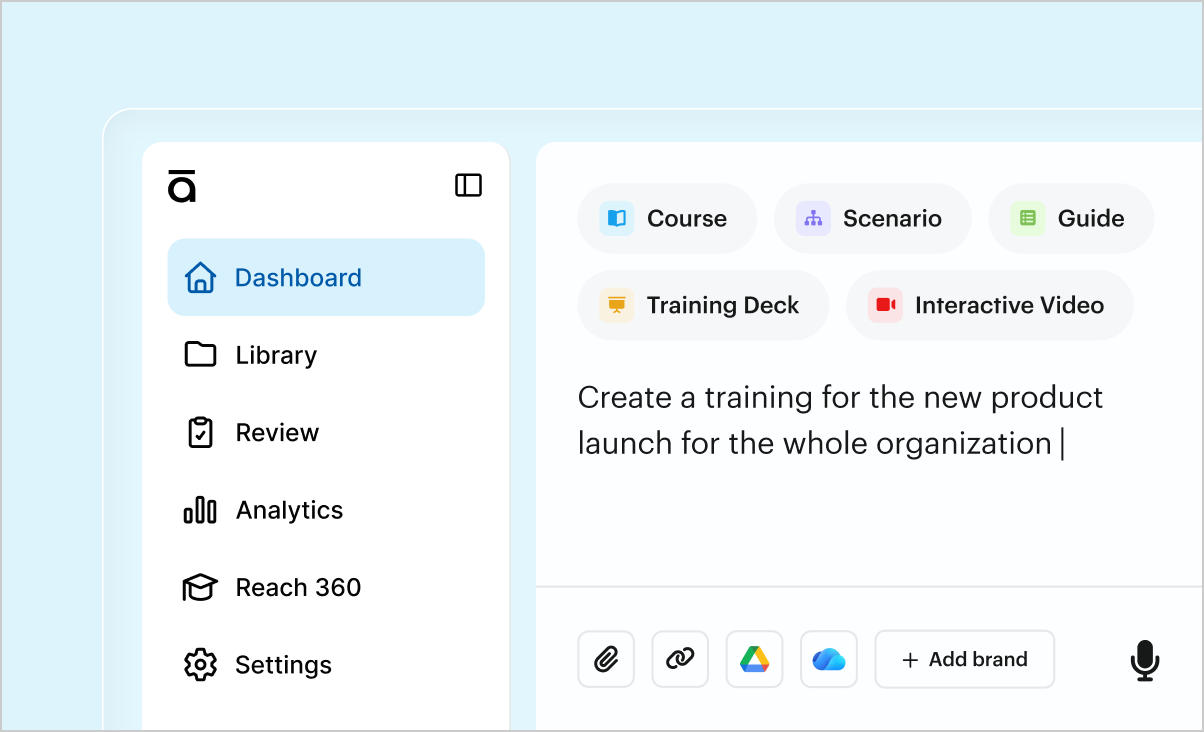
Vereenvoudig je workflow
Kick off creation faster with the new streamlined Articulate 360 AI dashboard. It’s easy to get started with a simple prompt or file, and you can even select brand settings up front.

Share training instantly
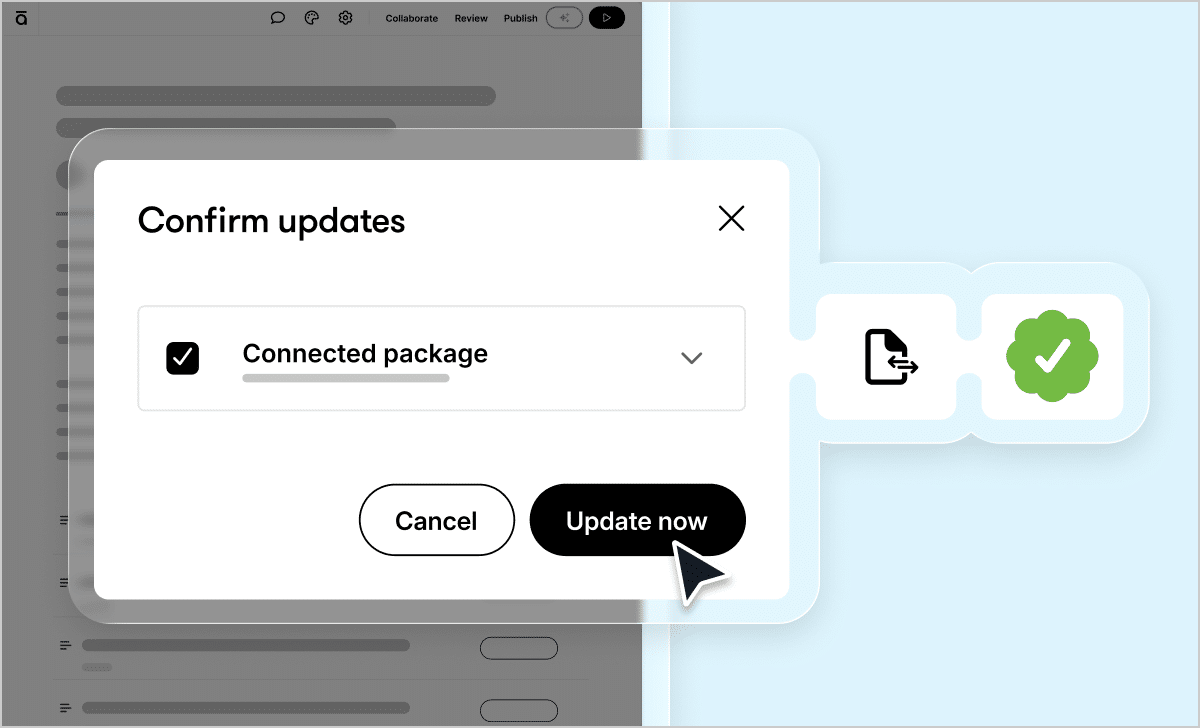
Push updates live with a few clicks
Tired of republishing and re-uploading training to your LMS after every update? Now, you can update the published version instantly without starting over.
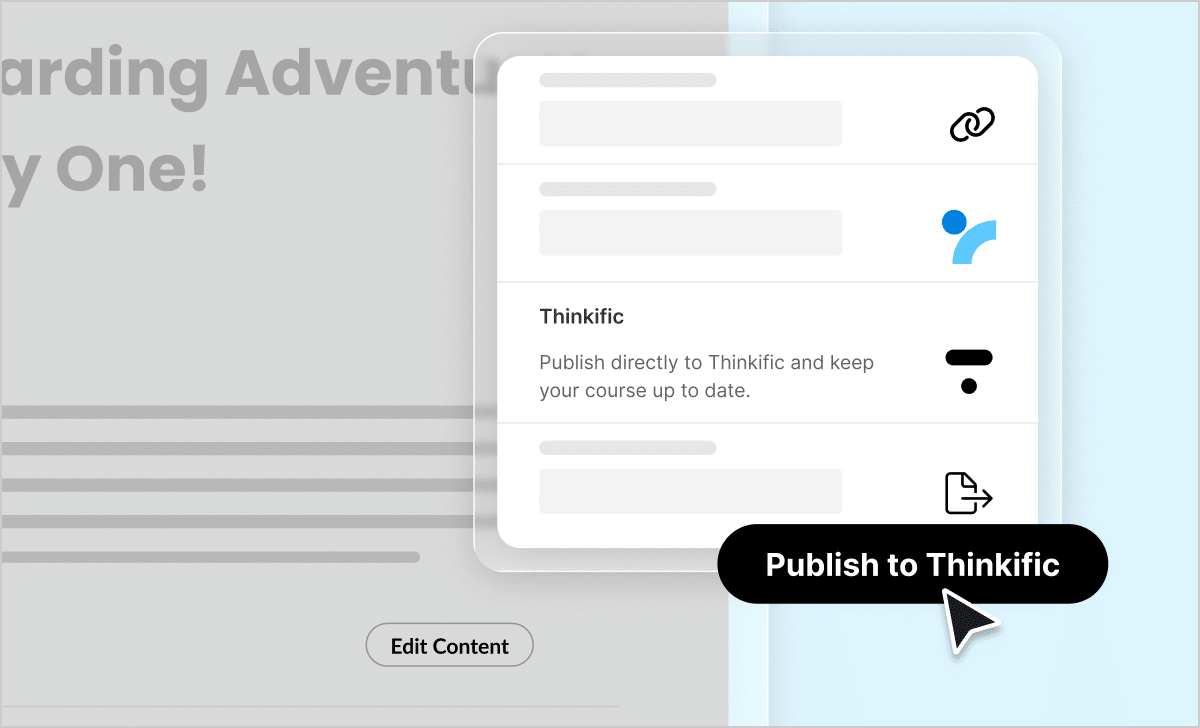
Publish and update training instantly with Thinkific
Thinkific users can now skip the pain of manually exporting and uploading training and save time by publishing directly to Thinkific LMS from Rise.

Expand training across languages, systems, and workflows
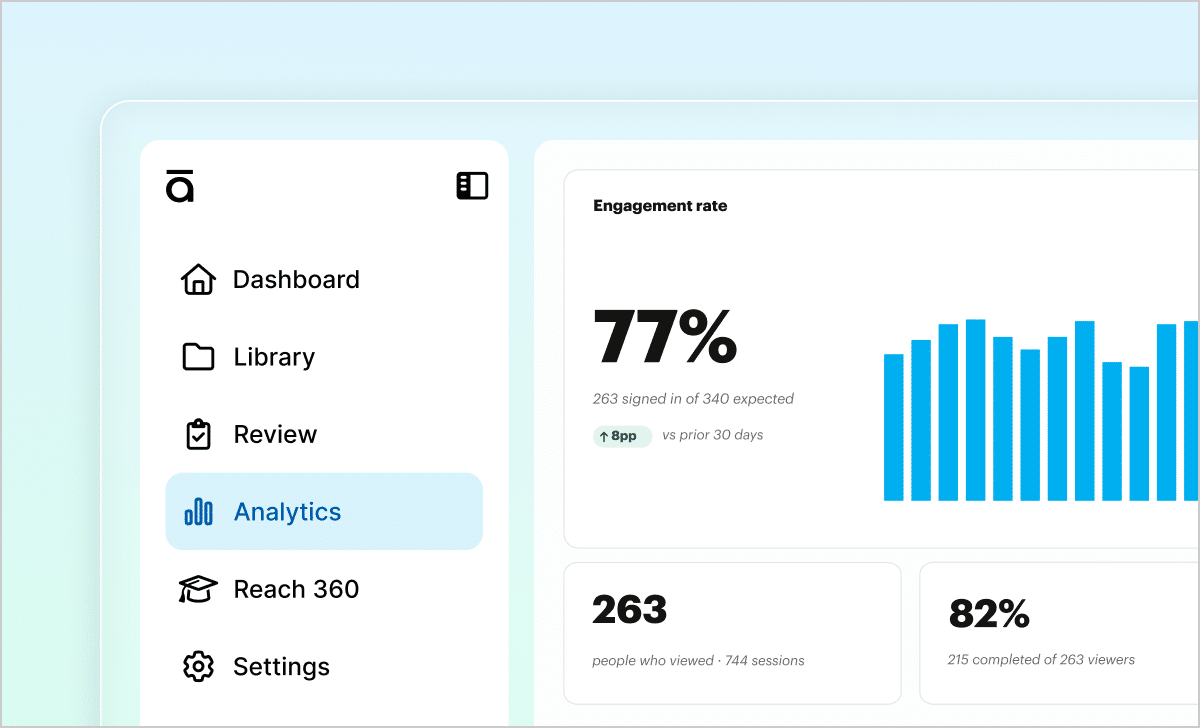
Gain insights to improve your training
Gain insights to improve your training with the new built-in analytics dashboard. See how content shared with Quick Share is performing, including sessions, completions, sentiment, and time invested.
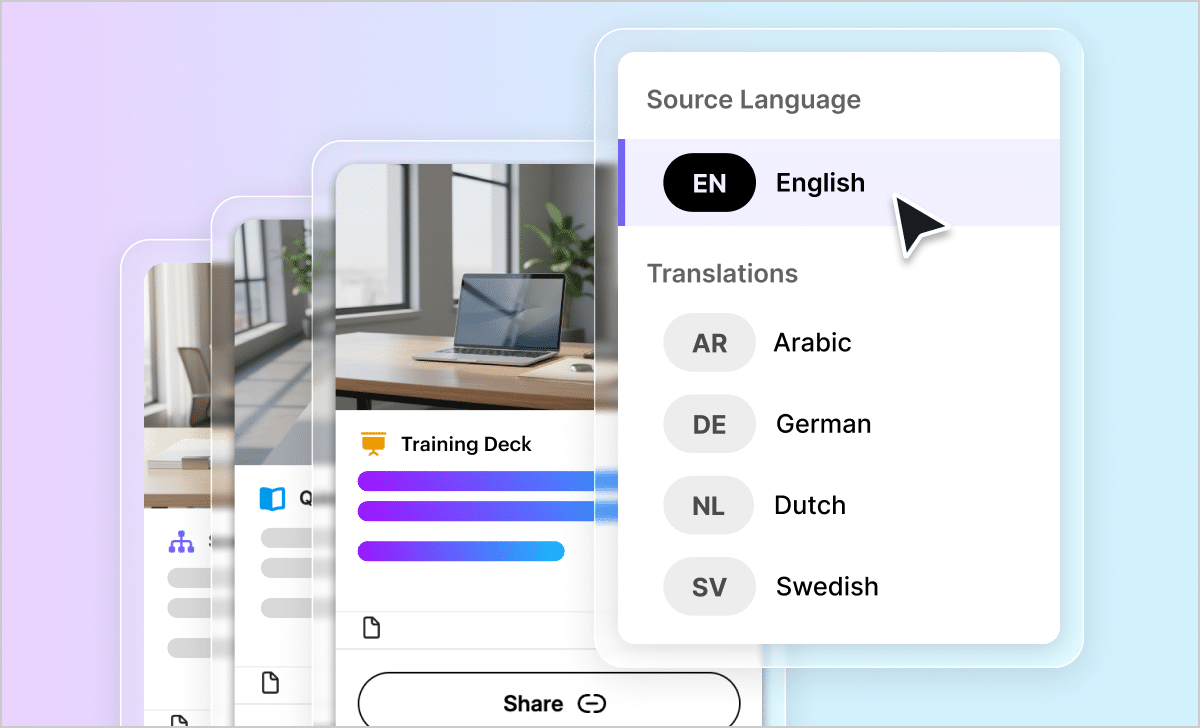
Translate training in multiple formats
Need to translate more than just courses? With this AI-powered workflow, you can translate courses, guides, presentations, and more in just a few clicks.
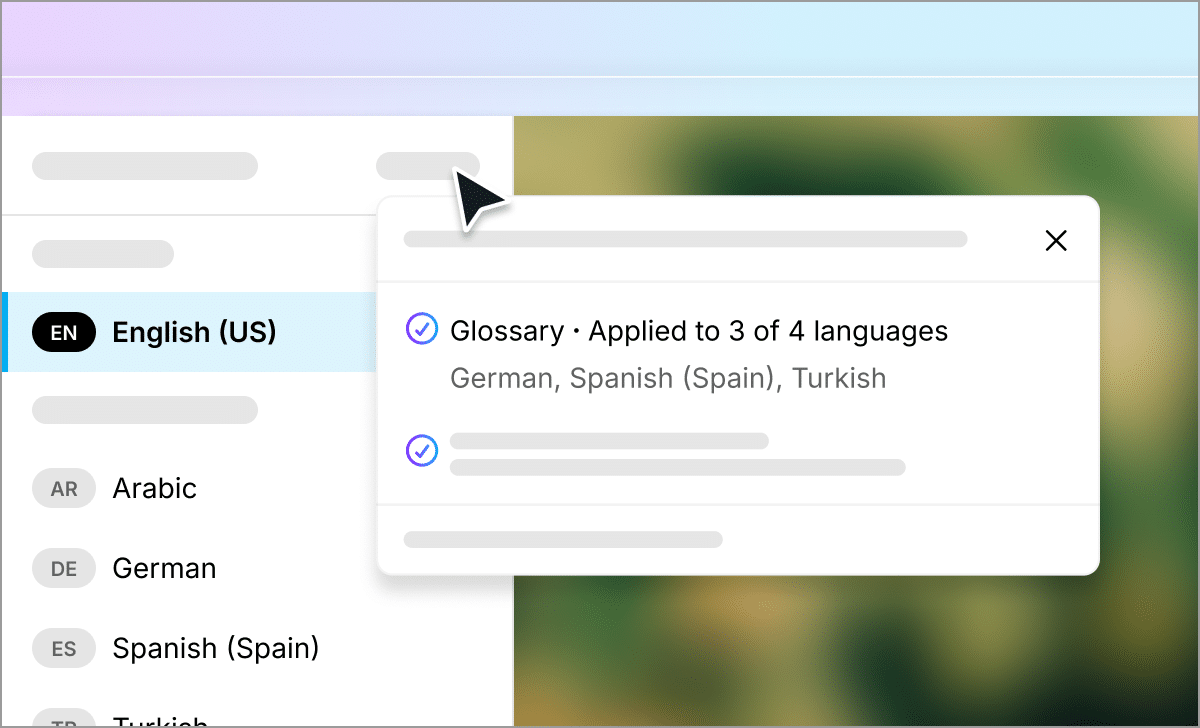
Maintain consistent glossaries across languages
Frustrated by inconsistent or inaccurate global glossaries? Now, glossaries work across even more languages, and glossary terms remain consistent regardless of the target language.
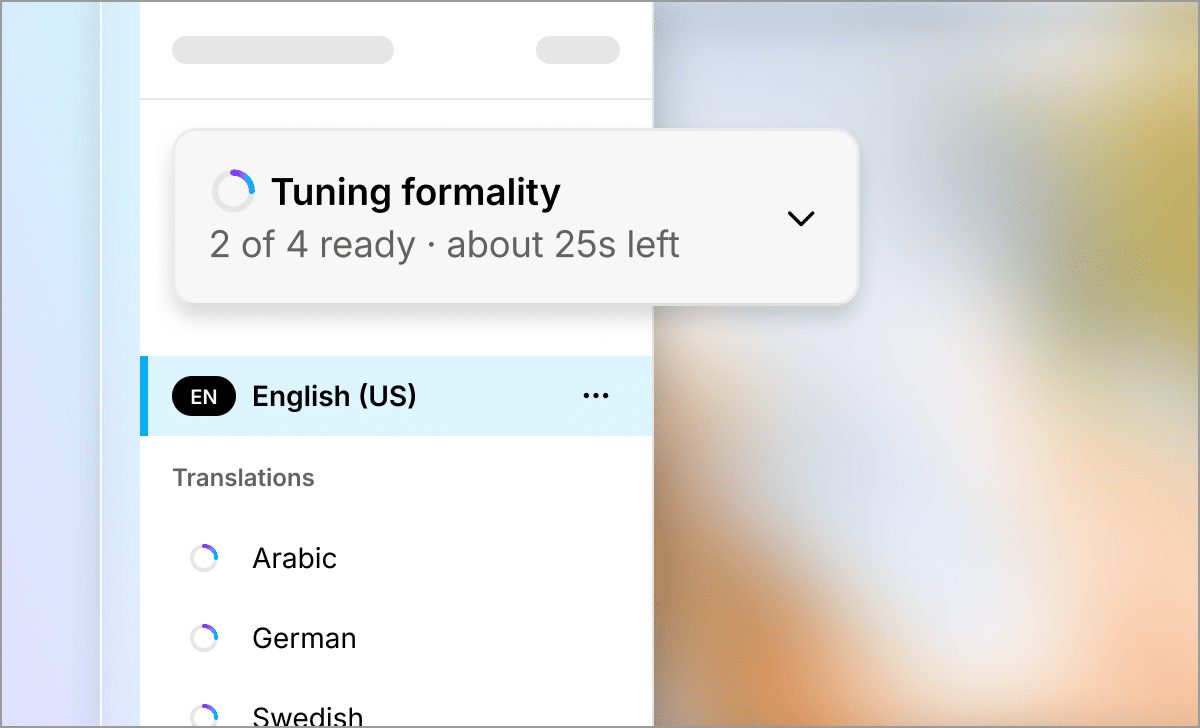
Use formality across all languages
Need to translate with formal pronouns, titles, and conjugations? Formality translation is now available for all languages where grammatical formality exists.
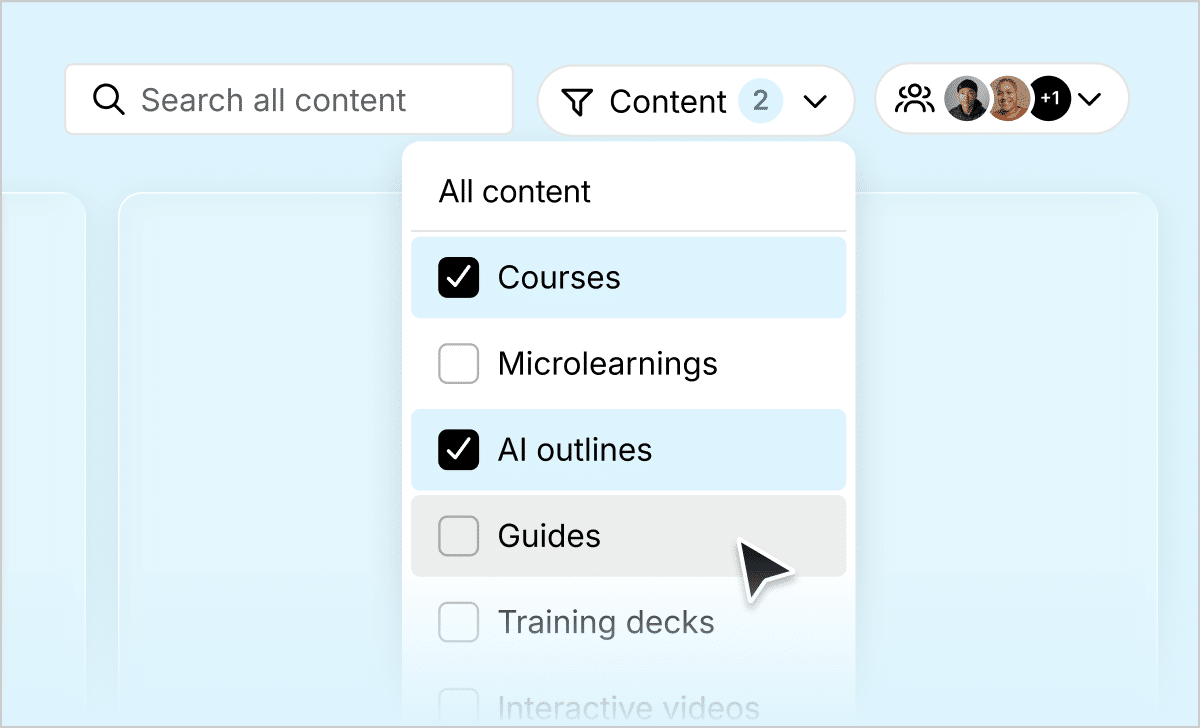
Find and manage content faster
Easily access and organize your team’s content. Enjoy streamlined content management with new filtering options, including content type, update recency, and owner.

Want to see a full list of every new feature and fix?
View Articulate 360 version history

Discover Articulate 360
These features and more are included in Articulate 360, the leading creator platform for online workplace learning. One subscription delivers all the tools and resources you need to create professional, engaging training content that plays seamlessly in your LMS. Start transforming your organization’s learning culture today.